In short: a build-your-own bundle walks the shopper through steps (choose a shirt, then trousers, then a belt) and prices the finished set as a bundle. It suits outfits, kits, routines and hampers. Nanflows Bundles for Shopify sets it up step by step, with a gift box version for gifting.
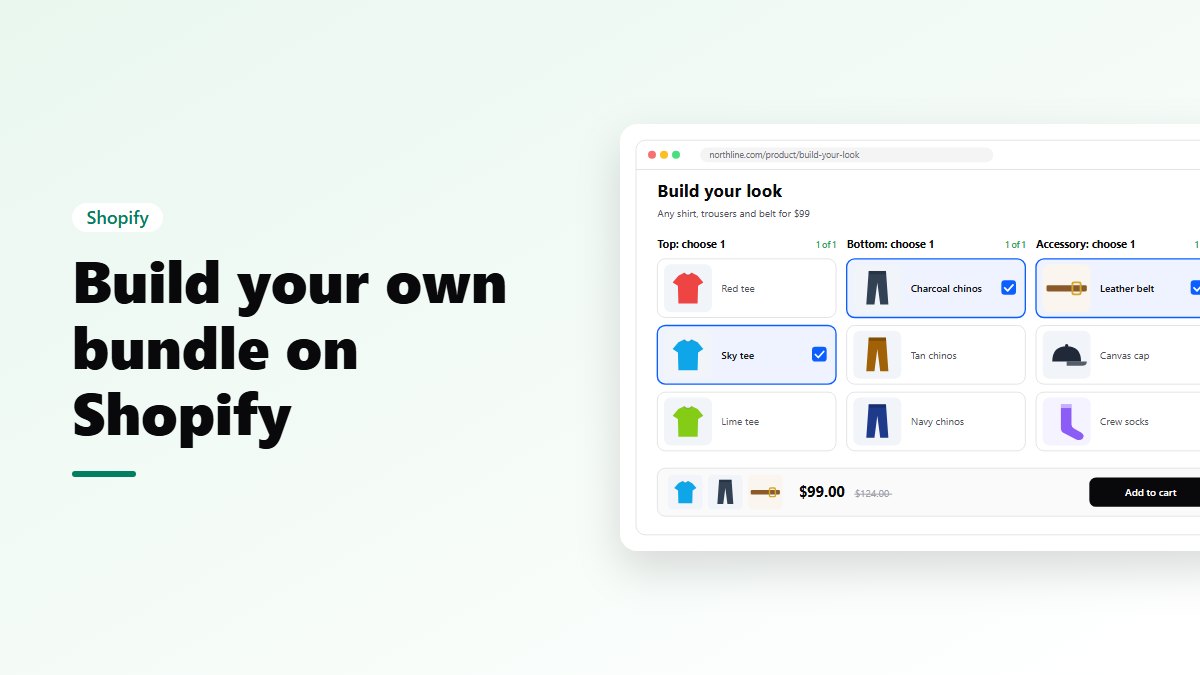
A build-your-own bundle walks the shopper through choices: Step 1, choose a shirt. Step 2, choose trousers. Step 3, choose a belt. At the end they have a complete set they picked themselves, at a bundle price.
It’s one of the best ways to sell a whole outfit, kit or routine, because each step is a small, easy decision. This guide shows how to set one up with Nanflows Bundles for Shopify.
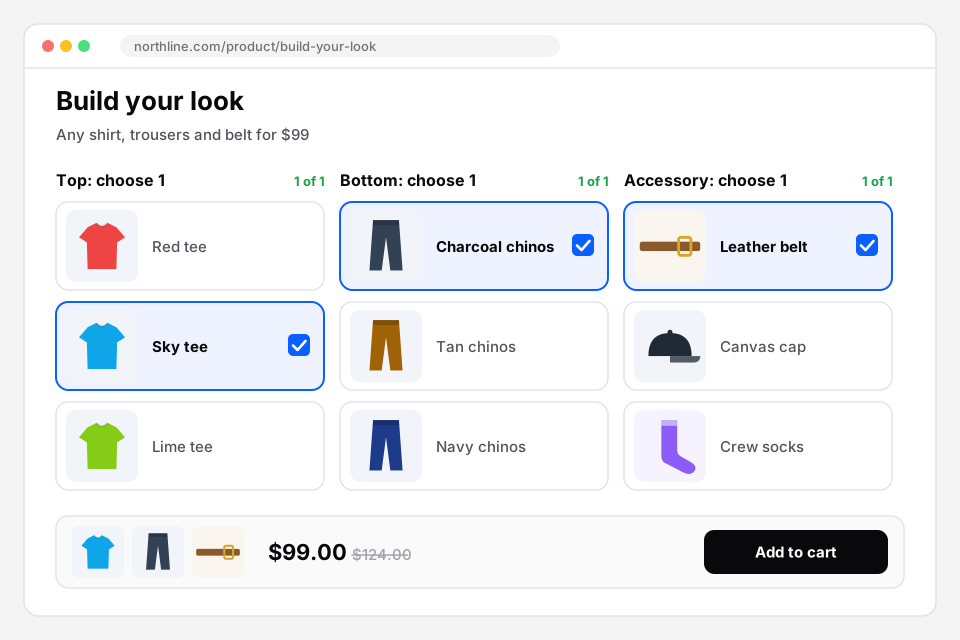 One choice per step, and the set’s price at the bottom. Sample store.
Who it suits
- Fashion: 1 top, 1 bottom, 1 accessory.
- Food: a main, 2 sides and a drink.
- Skincare and beauty: cleanser, serum, moisturiser.
- Electronics: a PC build, or a device with a case and a charger.
- Hampers and gifts: a sweet, a savoury, a candle.
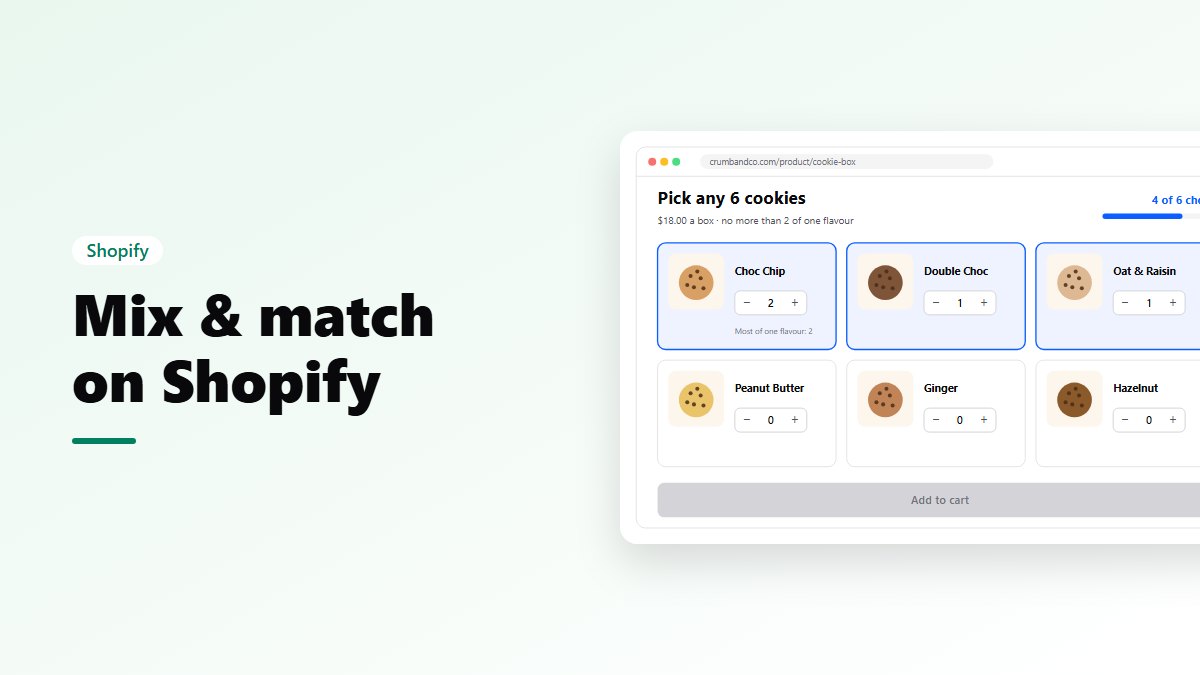
If every choice comes from one pool (“pick any 3”), you want Mix & Match instead. Build your own is for bundles with a structure.
How to design the steps
- Name each step as an action: “Choose your shirt” reads better than “Shirts”.
- Put the main product first. People pick the shirt, then match the rest.
- Keep it short. Three or four steps is plenty, even though you can have up to 10.
- Set a minimum and a maximum for each step: exactly 1 shirt, 1–2 accessories.
- Keep each step’s choices manageable. If a step has many products, turn on search and filters.
Setting it up
- Create a bundle and choose Build your own.
- Add the steps. Each has a name, a minimum, a maximum and its own products, with the sizes and colours you allow.
- Set the discount: a percentage off, an amount off, a fixed bundle price, tiers by item count, or no discount.
- Choose where it shows, and turn on its own page for the full-page builder.
- Design it: layout, brand colour, button text such as “Build my look”, and a badge.
- Review and publish.
What the shopper sees
- The steps one by one, each saying how many items it needs.
- A clear message if they pick too many: “Step 2: you can add only 1 product.”
- Their picks building up, with the total and the saving.
- A quick view for any product, with its photos and description.
- The Add button once every step is complete.
On the bundle’s own page, the full-page builder shows every product as a card with its own Add button, and a bar at the bottom with the picks, what’s left, the price and the cart button. Share that page in ads and emails: it’s a landing page for the bundle.
Gift boxes: build your own, for gifting
If the bundle is a gift, use the Gift box type. The shopper picks the products, adds gift wrapping if you offer it (it doesn’t count as one of the picks), and writes a message that shows on the order. It’s made for Diwali, Christmas, Valentine’s Day, Mother’s Day and corporate gifts.
Pricing ideas
- A fixed price for a full outfit: “Any shirt, trousers and belt for $99.”
- A percentage off the whole set: “20% off when you build your look”, which works when prices vary a lot.
- Tiers: a bigger discount if the shopper fills an optional extra step.
In the cart and the order
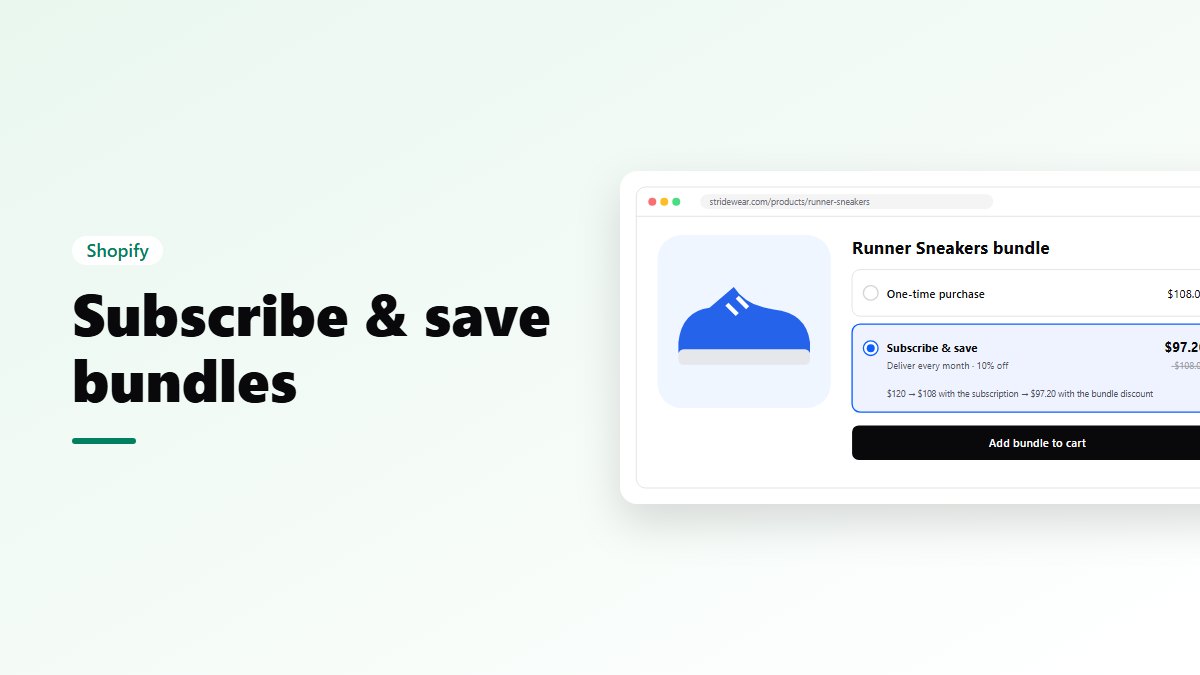
Sell it as its own product for one cart line that lists what’s inside, or as a discount on the picked items, with each item on its own line. The discount option also lets you use subscriptions and A/B tests on the bundle.
Each item’s own stock is used, and orders keep every item on its own line, so your team packs and refunds item by item.
Try it on your store
- Nanflows Bundles for Shopify has build your own, gift boxes and eight other bundle types. Every feature is on the Free plan up to $500 of bundle sales a month; paid plans are $19, $39 and $79 a month, with a 15-day trial.
- More on build your own bundles for Shopify and the best Shopify bundle apps.
FAQ
How many steps can a bundle have?
Up to 10, each with its own products and limits.
What if a product in a step sells out?
Sold-out items and sizes show as unavailable. If the bundle can’t be completed, you choose whether it hides or shows as sold out.
Is it on the Free plan?
Yes. Every bundle type and feature is on every plan. See build your own bundles on Shopify.