WordPress · Free and Pro
Nanflows Popup
Create smarter popups that show the right message to the right visitor.
- 32 popup types and 102 ready-made templates
- 26 triggers and 60 targeting rules
- A/B tests, WooCommerce revenue and 50 integrations in Pro
A sliding cart, product bundles and popups, with the upsells and discounts that turn visitors into customers and make every order bigger. Free to start, on WooCommerce and on Shopify.
Plugins
Pick the one you need. Each has its own page and its own plans. WordPress plugins have a free version on WordPress.org where there is one; Shopify apps install from Shopify with a free plan.
WordPress · Free and Pro
Create smarter popups that show the right message to the right visitor.
WordPress · Free and Pro
A cart that slides in when something is added, so shoppers keep browsing instead of leaving for the cart page.
WordPress · Free and Pro
Sell products together: bundles, “frequently bought together” and quantity deals for WooCommerce.
Shopify app
10 bundle types, A/B tests, subscribe & save and digital products for Shopify, every feature on every plan, priced by Shopify all the way through checkout.
Benefits
Every plugin, licence key and invoice in one dashboard.
New versions arrive under Plugins, like any other plugin.
Move a licence to another site yourself, in a minute.
Your questions reach the people who write the code.
Screenshots
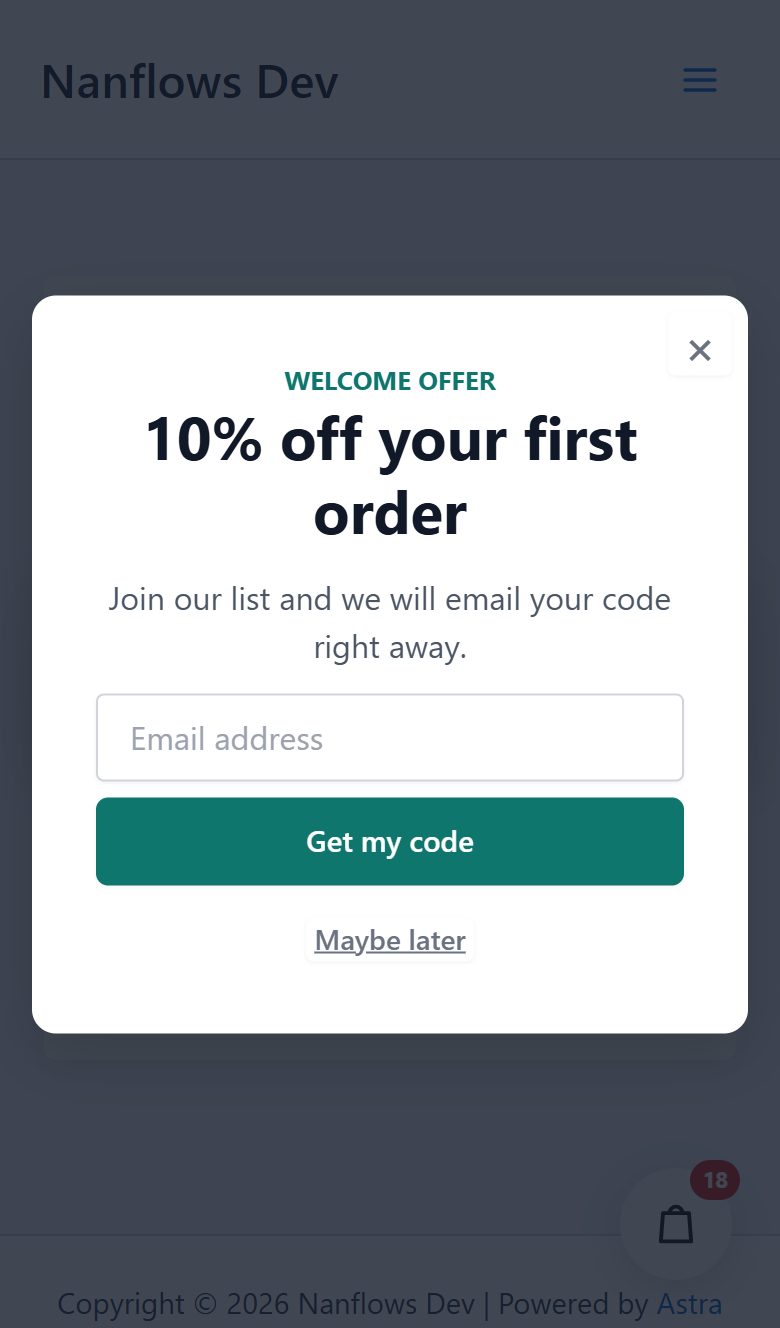
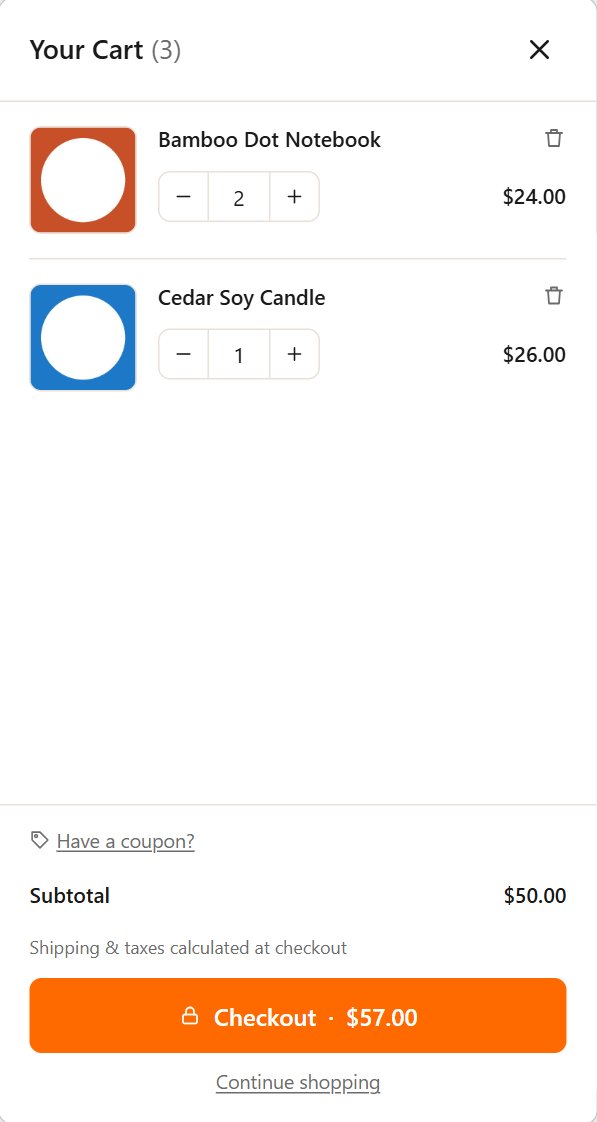
Each plugin in the WordPress or Shopify admin, and what shoppers see on a phone.
01
Design the popup in a live preview, then choose when it shows, to whom and how often.
See the plugin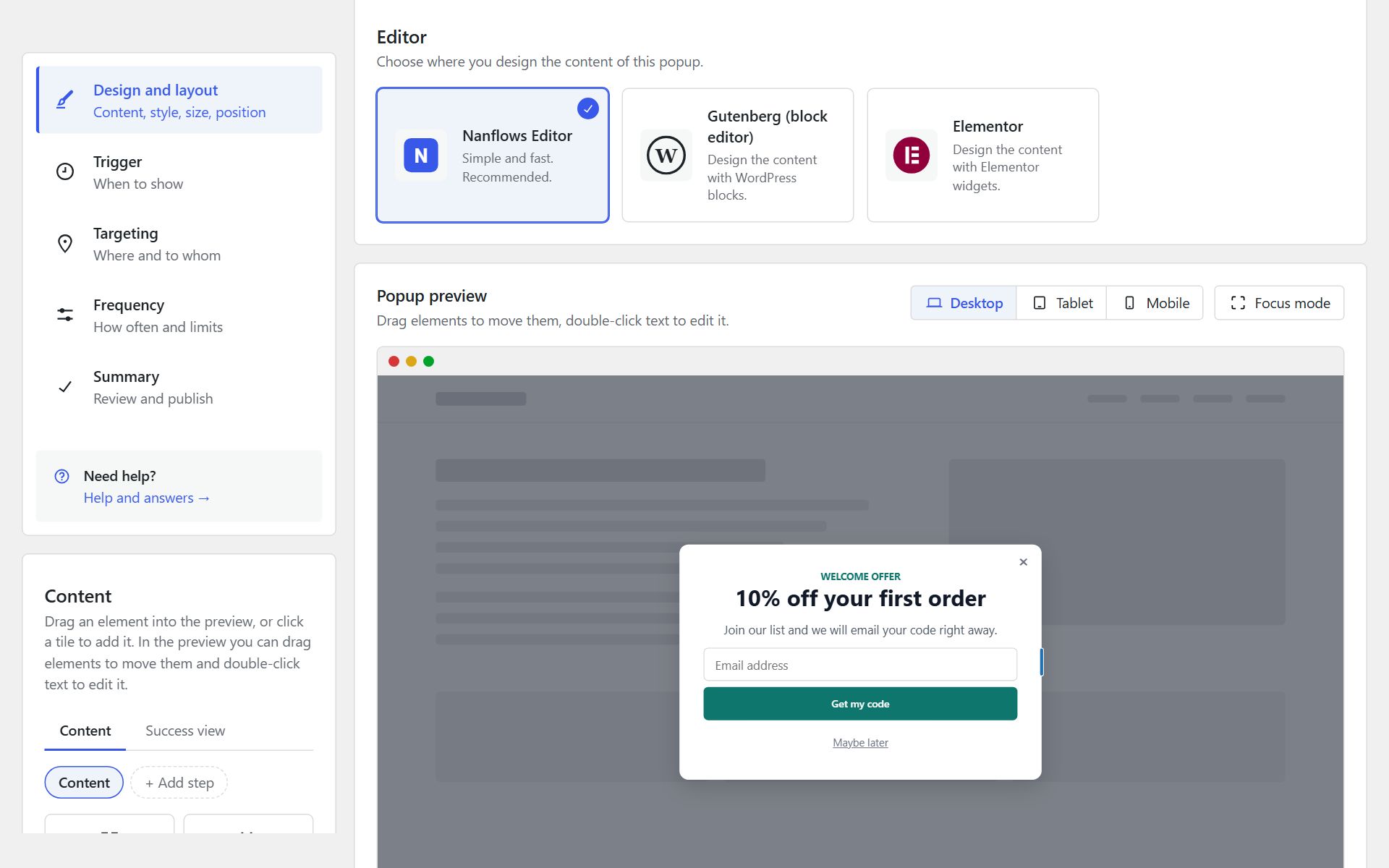
02
Every setting has a live preview of the cart beside it, exactly as shoppers will see it.
See the plugin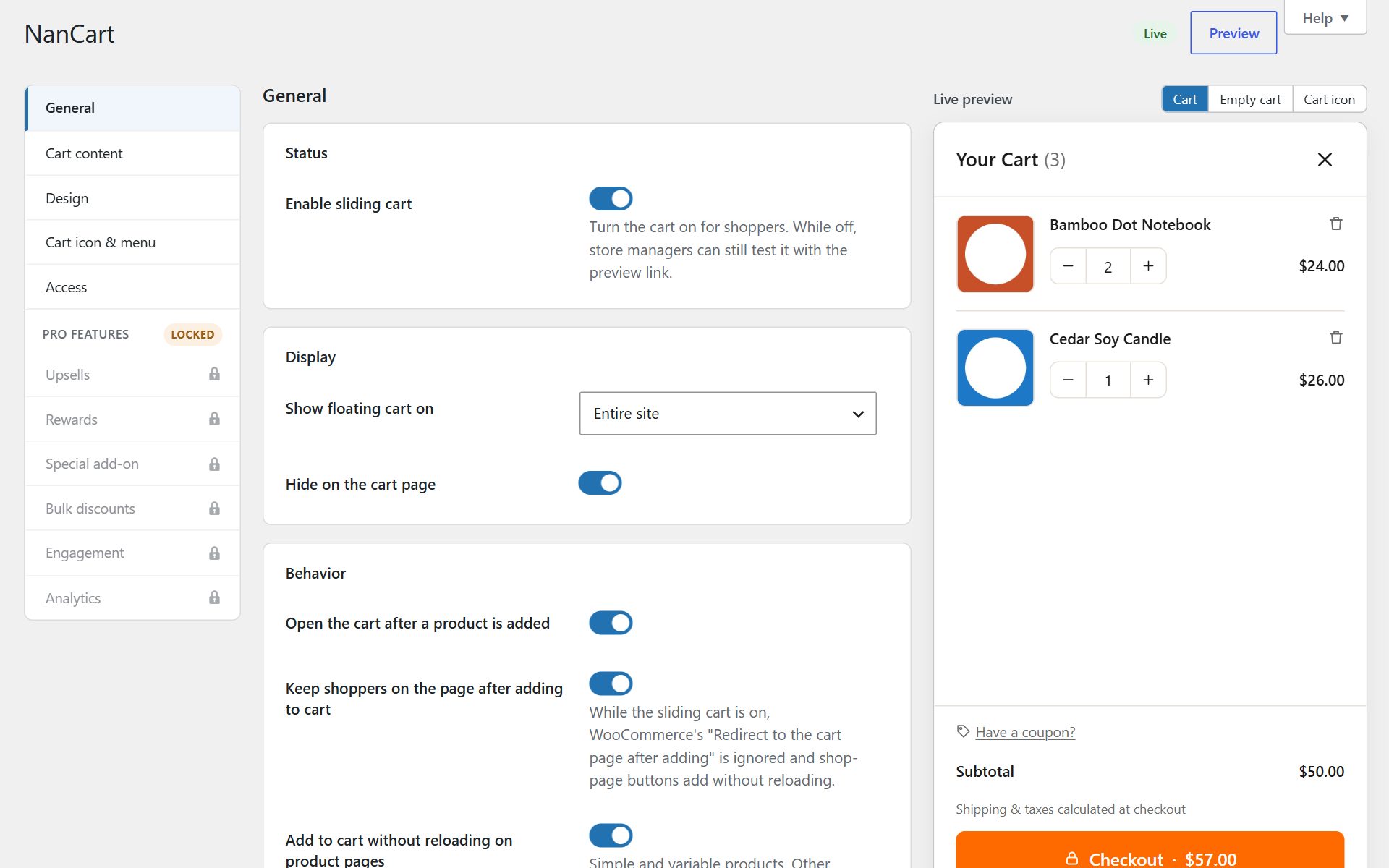
03
Build a bundle from products you already sell, set its price or discount, and show it where shoppers decide.
See the pluginEdit bundle Active
Discount on the set
Products
Shoppers save $9.30 · Bundle price $52.70
Live preview
Frequently bought together
$62.00 $52.70 Save 15%
Cedar Soy Candle
$26.00
Frequently bought together
Total $62.00 $52.70
04
Fixed bundles, mix & match and quantity breaks inside your Shopify admin, priced by Shopify all the way through checkout.
See the appBundles Create bundle
Bundle sales · 30 days
$2,986
+18% vs last 30 days
Bundle orders
74
Average $40.35
Growth plan
$2,986 / $5,000
Classic Cotton Tee
$29.00
Buy more, save more
Getting started
Download the zip from your dashboard and upload it, or start with a free version from WordPress.org where there is one.
Start from a template or the defaults, and watch every change in the live preview.
Switch it on for the whole store, or only the pages and visitors you choose.
Follow views, sign-ups and revenue, and test one version against another.
Resources
Set-up guides, articles about selling more with WooCommerce, and answers from the people who write the code.
Step-by-step set-up for each plugin, licence keys and updates.
Read the guidesWhat works in real shops: popups, carts, bundles and the numbers behind them.
Read the blogCustomers open a ticket from their dashboard and can attach screenshots or a screen recording.
Open a ticket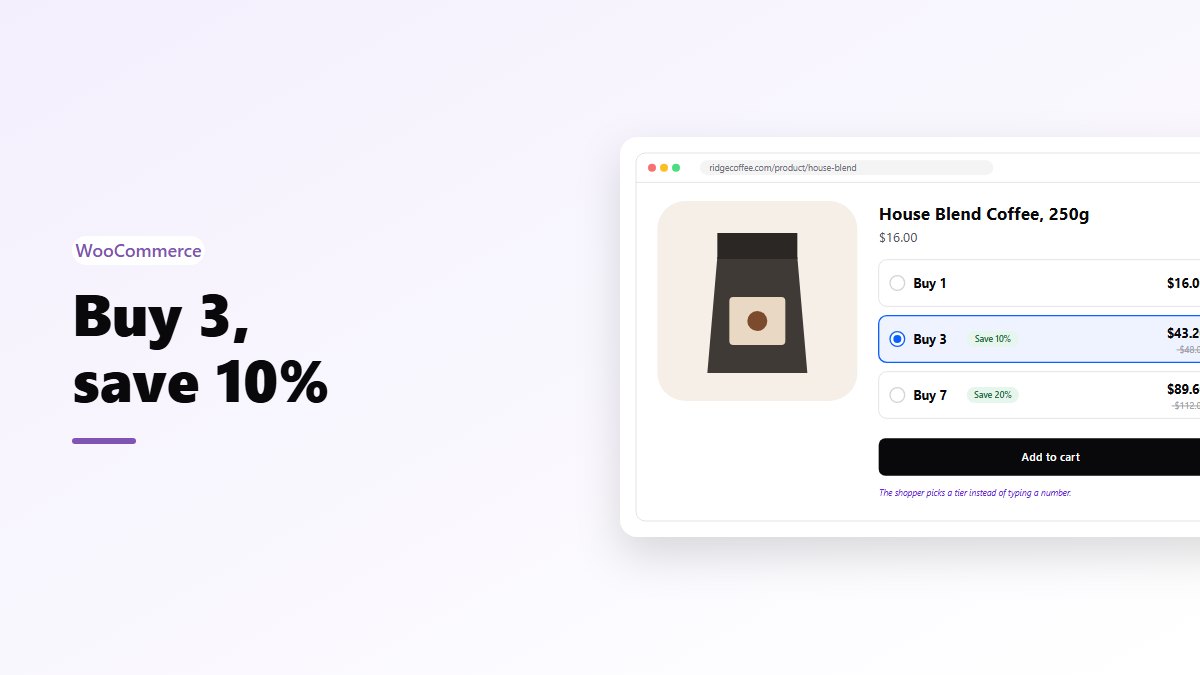
Quantity breaks and volume tiers for WooCommerce: which one fits your products, how to set the tiers, and the mistakes that make them pointless.
Read article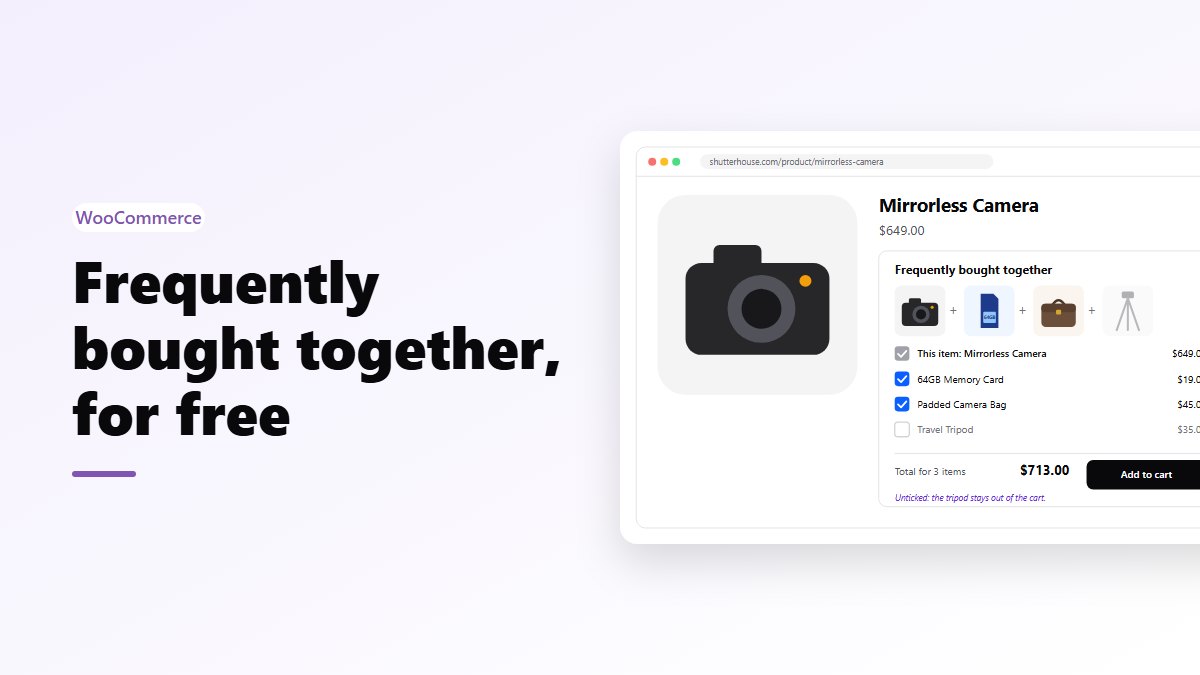
The Amazon-style “goes well with” box for WooCommerce: how it works, how to choose the extras, and when it’s worth adding a discount.
Read article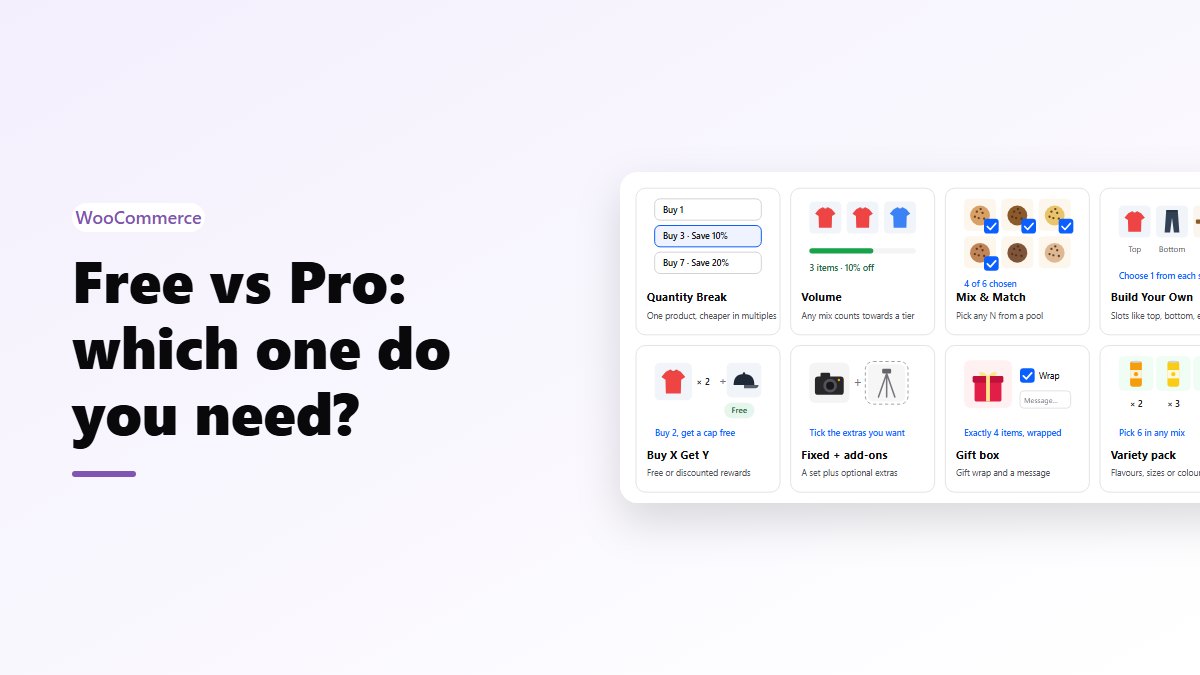
An honest breakdown of what the free WooCommerce bundle plugin does, what Pro adds, and the kinds of stores that should (and shouldn’t) pay for it.
Read articleYes. Nanflows Sliding Cart and Nanflows Bundles are built for WooCommerce stores. Nanflows Popup works on any WordPress site, and on a WooCommerce store it adds cart targeting, unique coupon codes and the revenue each popup brings in.
Nanflows Popup has a free version on WordPress.org that you can keep using for as long as you like. Pro adds to it. Where another plugin has a free version, its page links to it.
Your plan covers a number of sites. In your dashboard, add a site to get its licence key, then paste the key into the plugin. Each key works on the domain it was made for.
Yes. In Nanflows Popup you can design a popup with the Nanflows editor, the block editor or Elementor widgets. The Sliding Cart works on stores built with Elementor and stays out of the way while you edit a page in it.
Yes. Nanflows Popup Pro can show a popup by subscription status, for example only to customers whose subscription is active or cancelled. The Sliding Cart adds subscription products straight to the cart and leaves renewal orders out of its cart figures.
Yes. Pick a plan with as many sites as you need. You can move a licence from one site to another yourself, from your dashboard.
Yes, for as long as your licence is active, or for life on a lifetime plan. New versions arrive under Plugins in WordPress, like any other update.
Yes. Ask within 14 days of your first purchase, for any reason, and we refund the full amount. Renewals are not refunded, but you can cancel a renewal any time before it is charged.
The paid features switch off and the plugin keeps working as the free version. Nothing you made is deleted. Renew and everything comes back.