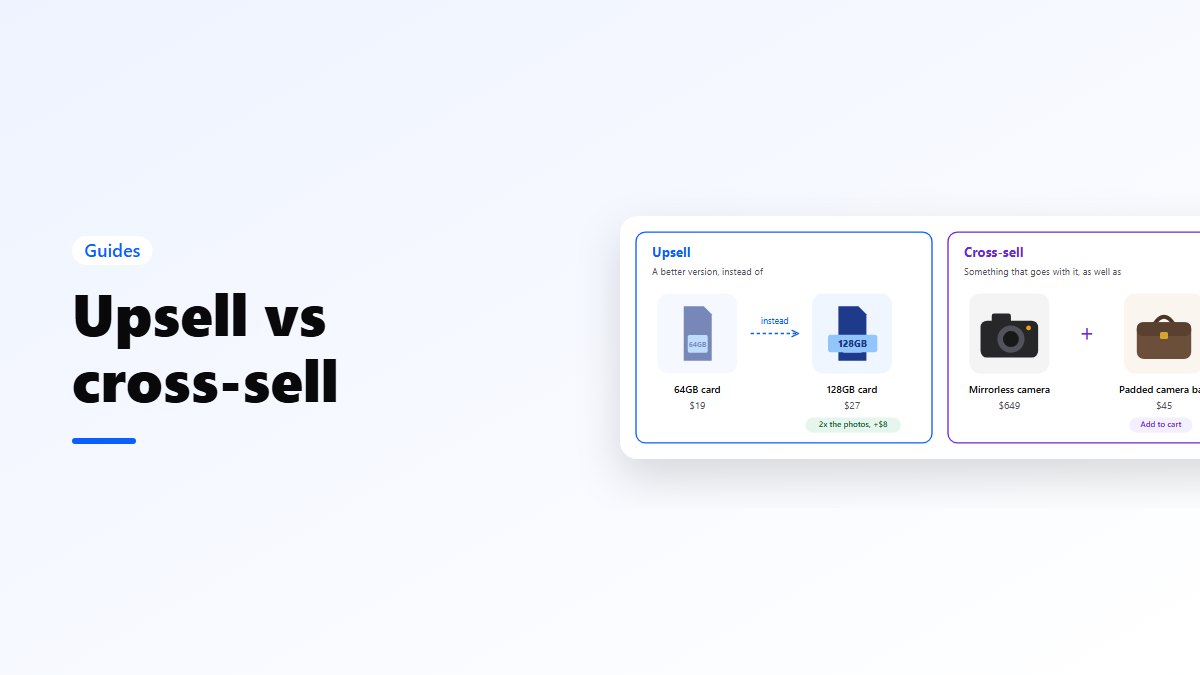
In short: an upsell offers a better or bigger version of what the shopper is buying: the 128GB memory card instead of the 64GB one. A cross-sell offers something that goes with it: a bag for the camera. Upsells work before the decision, on the product page. Cross-sells work after it, in the cart. In WooCommerce you set both under Product data → Linked Products: upsells show on the product page, cross-sells on the cart page.
The difference
| Upsell | Cross-sell | Downsell | |
|---|---|---|---|
| What it offers | A better or bigger version | Something that goes with it | A cheaper option |
| Example | 128GB card instead of 64GB | A case with the phone | A smaller size when the shopper hesitates |
| When | Before they decide | After they decide | When they are about to leave |
| Where in a store | Product page | Cart, checkout, thank-you page | Exit offers, the cart |
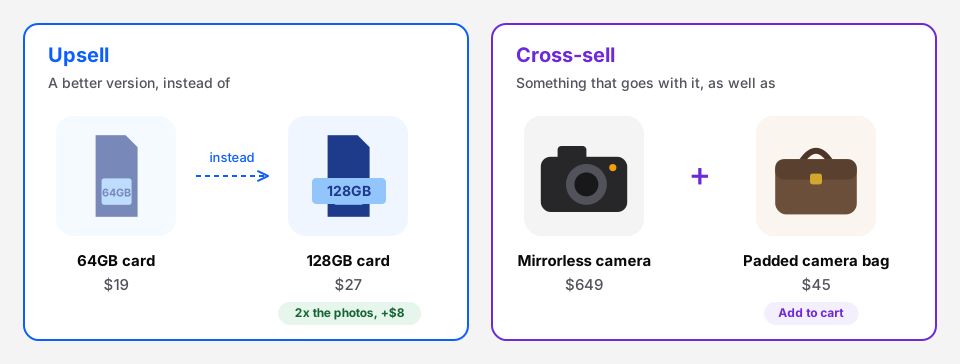 Upsell: instead of. Cross-sell: as well as.
The easy way to remember it: an upsell is instead of, a cross-sell is as well as.
Examples by kind of store
| Store | Upsell | Cross-sell |
|---|---|---|
| Coffee | The 1 kg bag instead of 250 g | A grinder or filter papers |
| Clothing | The premium cotton version | The belt or socks that match |
| Electronics | More storage, the newer model | A case, a charger, a screen protector |
| Beauty | The full size instead of the travel size | The cleanser that goes with the serum |
| Furniture | Solid wood instead of veneer | Cushions, a rug, assembly |
| Pet supplies | The 12-month supply | Treats or a toy |
Where each one works best
Upsells on the product page. The shopper is still choosing, so a better version is part of the choice, not an interruption. Show the difference in plain words: “128GB: room for 2x the photos, $8 more.”
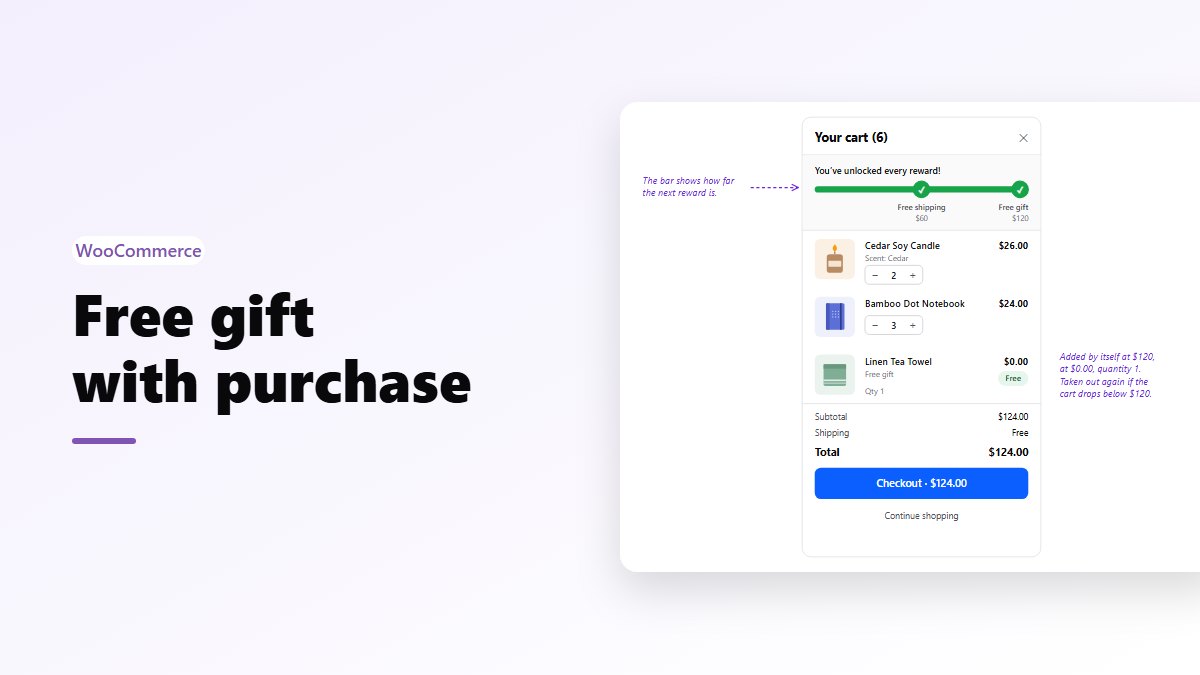
Cross-sells in the cart. The decision is made, and the shopper is now thinking about what they need with it. This is where “Add a case for $15” is an easy yes. In a side cart, the shopper can add it in one tap and stay on the page.
After the order. The thank-you page and the order email are good places for refills and accessories, because the shopper has already trusted you once.
Rules that make them work
- Relevant beats expensive. Suggest what actually goes with the cart, not your highest margin product.
- Small next to the main item. A $15 add-on next to a $90 cart is an easy yes. A $70 one is a second decision, and some shoppers will leave to think about it.
- One to three suggestions. More than that and the shopper scrolls past all of them.
- Only what is in stock. An upsell that turns out to be sold out wastes the click.
- Never block checkout. A popup between the cart and payment costs more orders than it adds.
How WooCommerce sets them up
Open a product, scroll to Product data and click Linked Products. There are two fields:
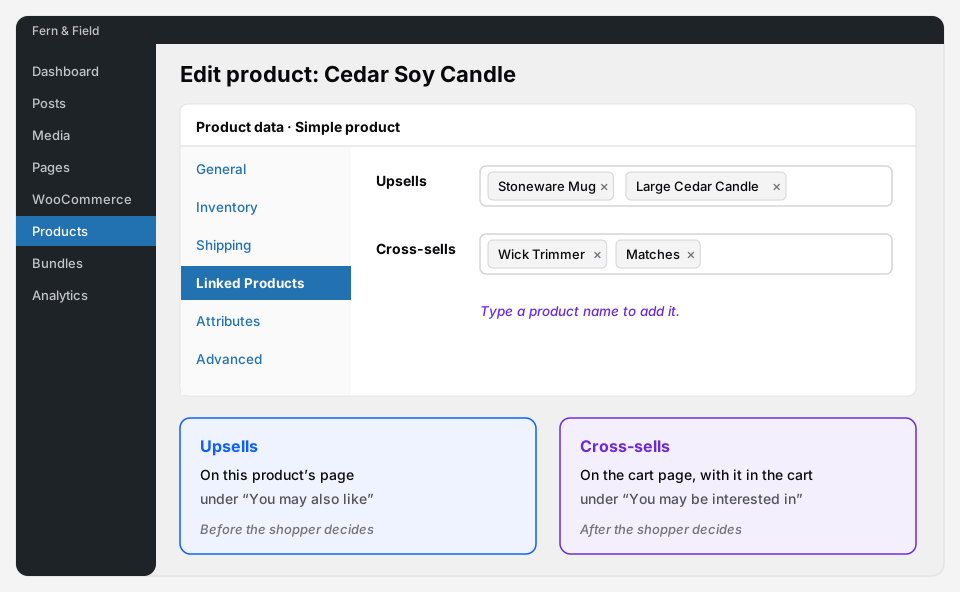 Both fields take products from your store; type a name to find them.
- Upsells appear on that product’s page, under “You may also like”.
- Cross-sells appear on the cart page, when that product is in the cart, under “You may be interested in”. This works in the classic cart and in the Cart block.
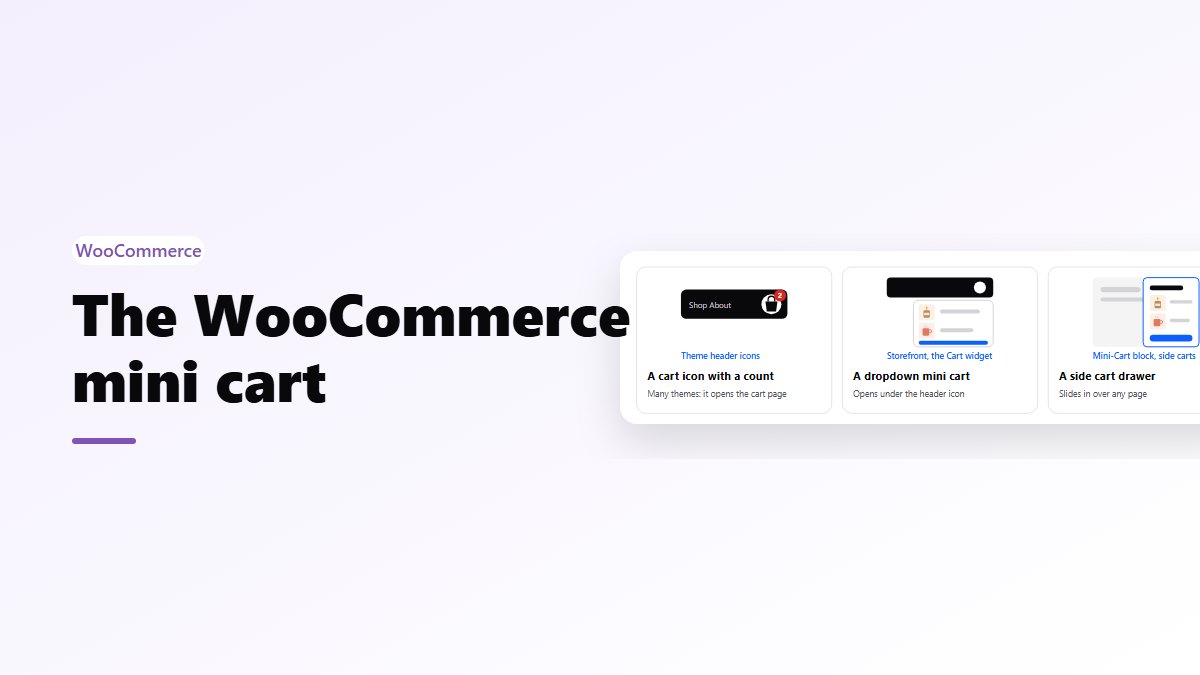
There is a catch. Cross-sells only show on the cart page, and many shoppers never visit it: they go from the product page or a mini cart straight to checkout. Nanflows Sliding Cart Pro shows your linked products inside the side cart instead, with an Add button that doesn’t leave the page, and its analytics show the revenue they bring. Step by step: cart upsells in WooCommerce.
On the product page, a frequently bought together box is the cross-sell shoppers know from Amazon: the main product with two or three extras, already ticked. The free Nanflows Bundles plugin adds one.
Upsells, cross-sells or bundles?
They do different jobs. An upsell raises the price of one item. A cross-sell adds an item, at its normal price. A bundle adds several items with a small saving, which suits products that are almost always bought together. Many stores use all three: a bundle on the product page, cross-sells in the cart, and refills after the order.
Get the plugins
- Cross-sells in the cart: Nanflows Sliding Cart is free. Pro adds upsells and cross-sells in the side cart, a one-click add-on and cart analytics, from $29 a year on the Nanflows Sliding Cart page.
- Frequently bought together: free in Nanflows Bundles, with more bundle types in Pro on the Nanflows Bundles page.
- Related: how to increase average order value.
FAQ
What is the difference between upselling and cross-selling?
Upselling offers a better or bigger version of the product the shopper is looking at, instead of it. Cross-selling offers a different product that goes with it, as well as it. A larger memory card is an upsell; a camera bag is a cross-sell.
What is an example of a cross-sell?
Offering a phone case when a phone is in the cart, filter papers with a coffee maker, or a matching belt with a pair of trousers. Each is a different product that makes the first one more useful.
What is a downsell?
A cheaper option offered when the shopper is about to leave without buying, such as a smaller size or a basic version. It saves a sale that would otherwise be lost.
Where do upsells and cross-sells show in WooCommerce?
Upsells show on the product page under “You may also like”. Cross-sells show on the cart page under “You may be interested in”, in the classic cart and the Cart block. A side cart plugin can show them in the side cart too.
Are upsells or cross-sells better?
Neither on its own. Upsells work while the shopper is choosing, on the product page; cross-sells work after the choice, in the cart. Most stores do best with both, kept relevant and small next to the main item.