In short: average order value (AOV) is your revenue divided by your number of orders. To increase it, give shoppers a reason to buy more in one order: product bundles, quantity breaks, a free shipping goal just above your current AOV, and upsells in the cart. On WooCommerce, Nanflows Bundles and Nanflows Sliding Cart do these, and both have free versions.
What is average order value?
Average order value is how much a customer spends, on average, each time they order. In shops and retail it’s also called average transaction value or average ticket.
AOV = total revenue ÷ number of orders
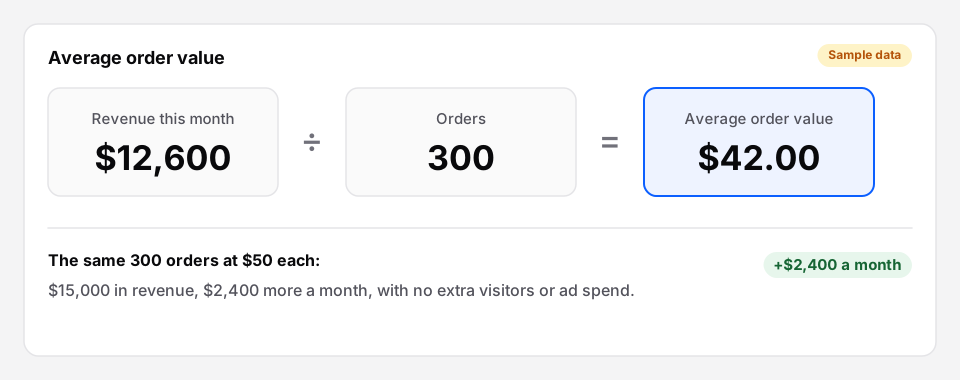 Raising AOV from $42 to $50 on the same orders is $2,400 more a month, with no extra visitors.
It matters because it multiplies everything else. Getting more visitors costs money. Getting the visitors you already have to spend a bit more each time costs much less. And a bigger order leaves more margin to pay for shipping and ads.
Where to find your AOV
- WooCommerce: Analytics → Orders shows the average order value for any date range.
- Shopify: Analytics shows average order value on the dashboard and in its own report.
Take the last 90 days as your baseline, and compare like with like: November with November, not with March.
There’s no good AOV for every store. A store selling $8 socks and one selling $300 jackets can’t be compared. Compare your store with itself.
10 ways to increase average order value
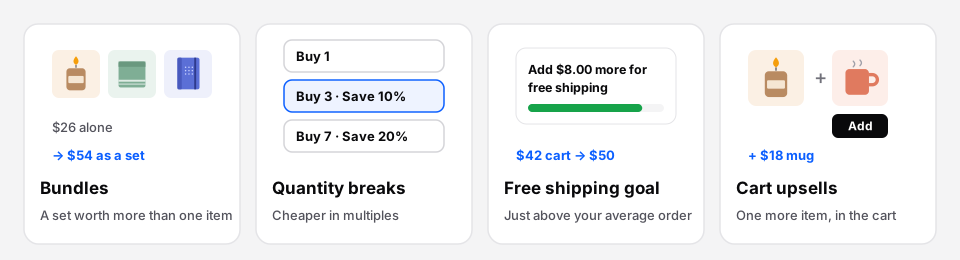 Four of the most reliable ways. Each gives the shopper a reason to add more.
1. Sell product bundles
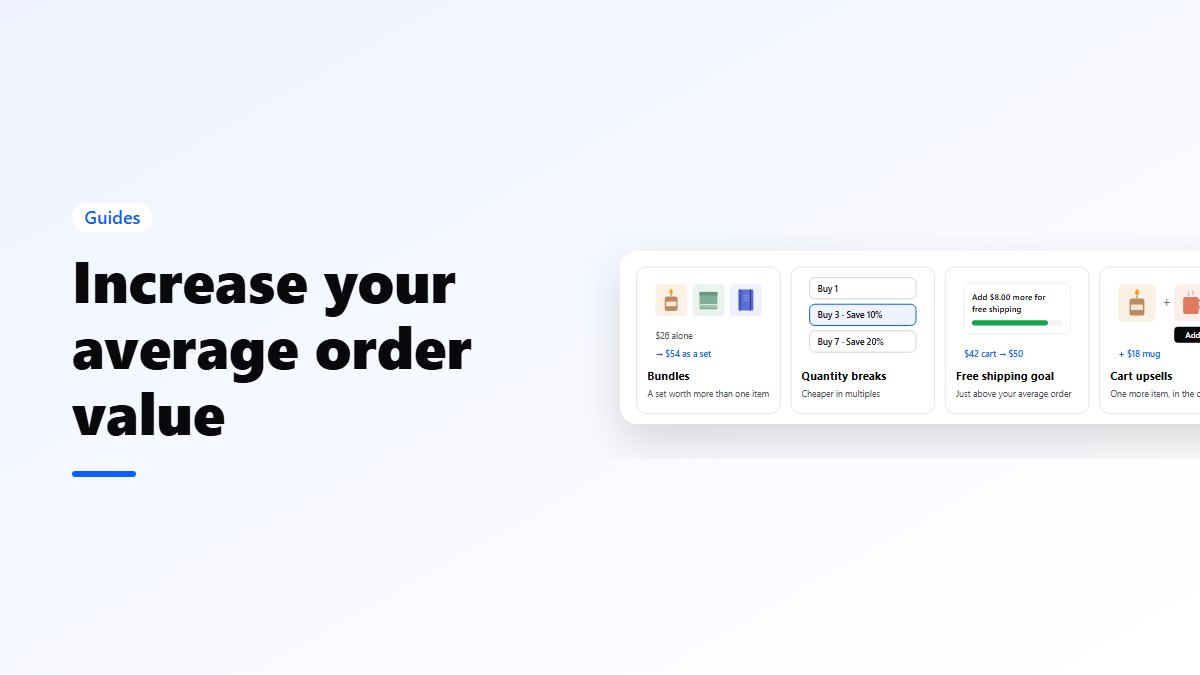
A bundle sells several products together at one price: a starter kit, a gift set, “the full routine”. The shopper gets a small saving, and you sell three items instead of one. A $26 candle becomes a $54 desk set.
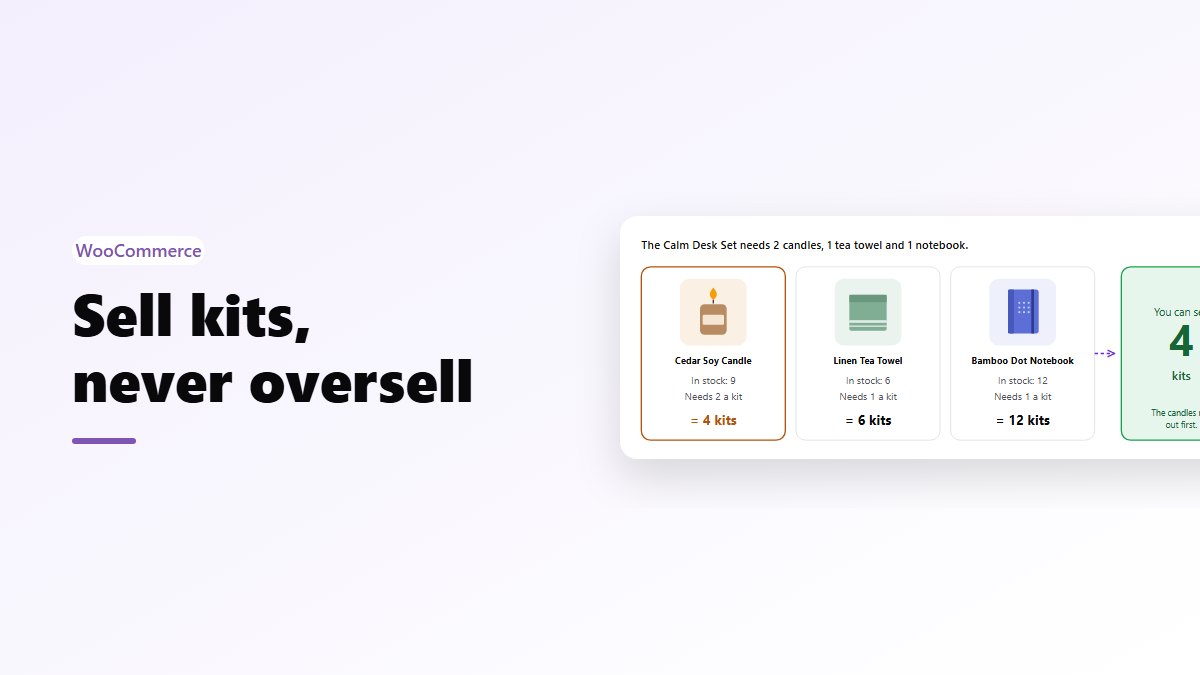
On WooCommerce, the free Nanflows Bundles plugin does fixed bundles, with stock taken from the real products. See what it does for WooCommerce product bundles, how to create product bundles in WooCommerce, or our product bundling guide for the types and pricing.
2. Show “frequently bought together”
On the product page, show the main product with two or three extras that go with it, ticked by default, and one Add to cart button. Buying the set becomes one click instead of four. How to add frequently bought together in WooCommerce.
3. Offer quantity breaks
For things people buy in multiples (coffee, socks, supplements, candles), offer “Buy 3, save 10%; buy 7, save 20%”. Shoppers pick a tier instead of typing a number.
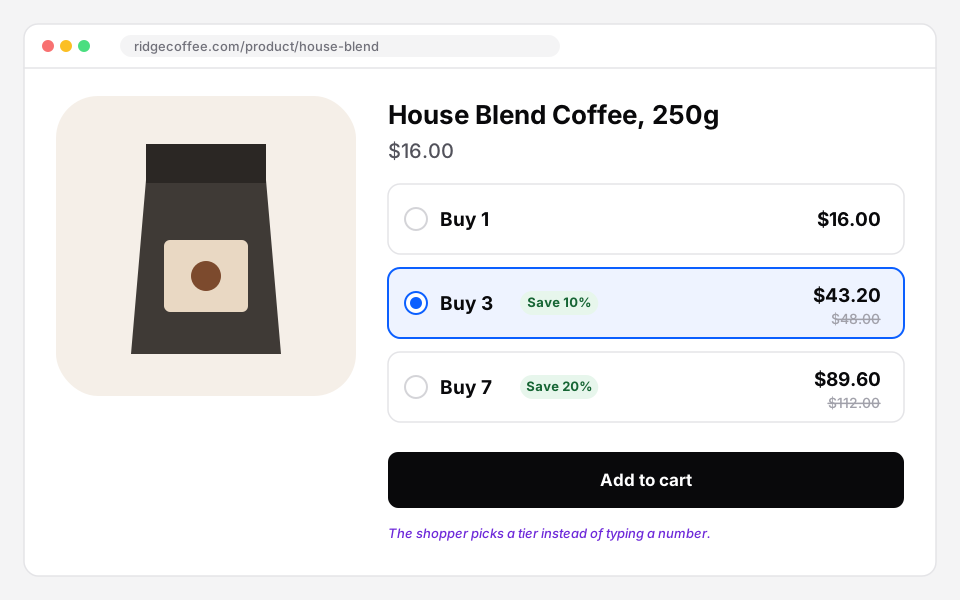 Tiers on the product page. Most shoppers pick the middle one.
More in quantity discounts in WooCommerce.
4. Set a free shipping goal just above your AOV
If your AOV is $42, free shipping at $50 puts many orders a small top-up away. Show the progress in the cart: “Add $8.00 more to unlock Free shipping”. See how to set up a free shipping bar.
5. Suggest one more item in the cart
The cart is where shoppers decide what they’re buying. A small, related product with an Add button, such as a refill, a case or a card, is an easy yes. Keep suggestions cheaper than what’s in the cart. Cart upsells in WooCommerce.
6. Add a one-click add-on
Shipping protection, gift wrap, priority handling, an extended warranty. Small amounts on many orders add up. Show the price clearly, and make it one tap to remove.
7. Let customers build their own box
Mix and match (“pick any 6”) and build-your-own bundles (“1 top, 1 bottom, 1 extra”) sell more units because choosing is part of the fun. They work well for food, beauty and clothing. See mix and match products and build your own bundle.
8. Run Buy X Get Y offers
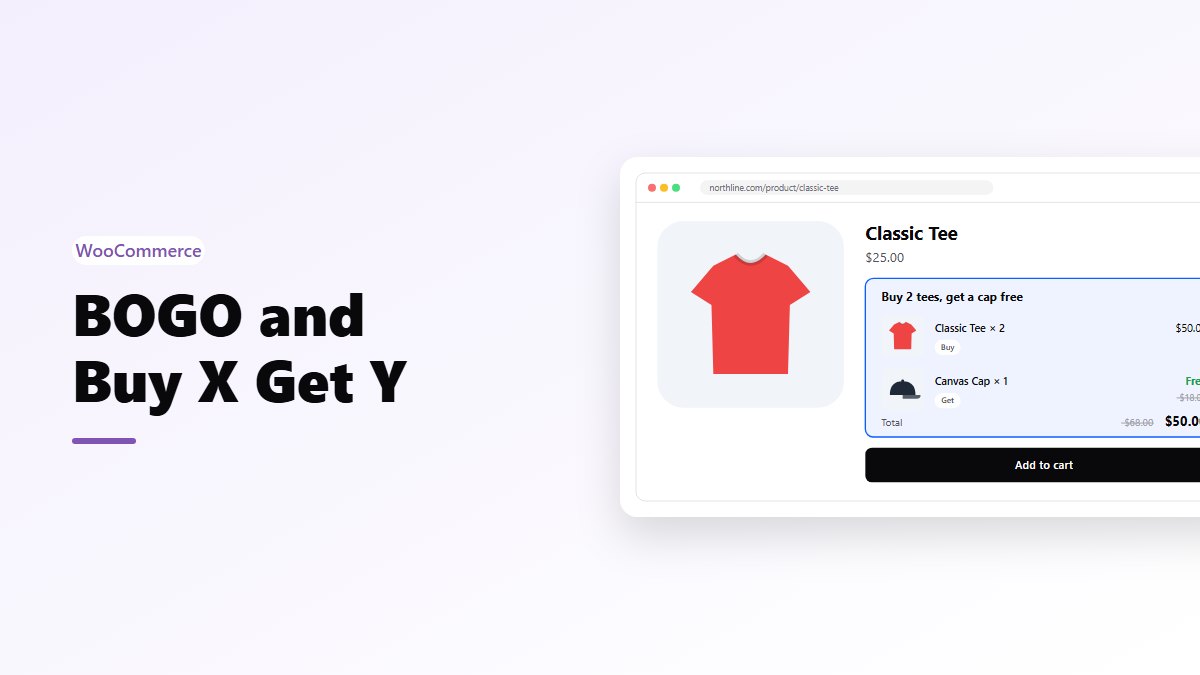
“Buy 2, get the third free” or “buy the shirt, get the cap at half price” raises units per order. Work out the margin first: BOGO is a 50% discount on two units. BOGO and Buy X Get Y in WooCommerce.
9. Reward bigger carts
Milestones above free shipping, such as 10% off at $80 or a free gift at $120, give shoppers who are already spending a reason to go further. Keep it to two or three goals.
10. Sell gift sets for the season
Gift boxes with wrap and a message sell well before holidays, and gift buyers care less about price than about getting it right. Custom gift boxes in WooCommerce.
What not to do
- Don’t discount too deeply. A 30% bundle discount can raise AOV and lower profit. Check your margin on each offer. The bundle pricing examples show how.
- Don’t stack everything at once. A bundle, three popups, a bar and five upsells is noise. Add one change, measure, then add the next.
- Don’t watch AOV alone. If AOV rises but fewer people order, you may earn less. Watch revenue per visitor: revenue divided by visitors.
How to measure it
- Write down your AOV, conversion rate and revenue for the last 90 days.
- Add one change, such as a bundle on your best seller.
- After three or four weeks, compare the same three numbers.
- Keep what earned more per visitor. Drop or change what didn’t.
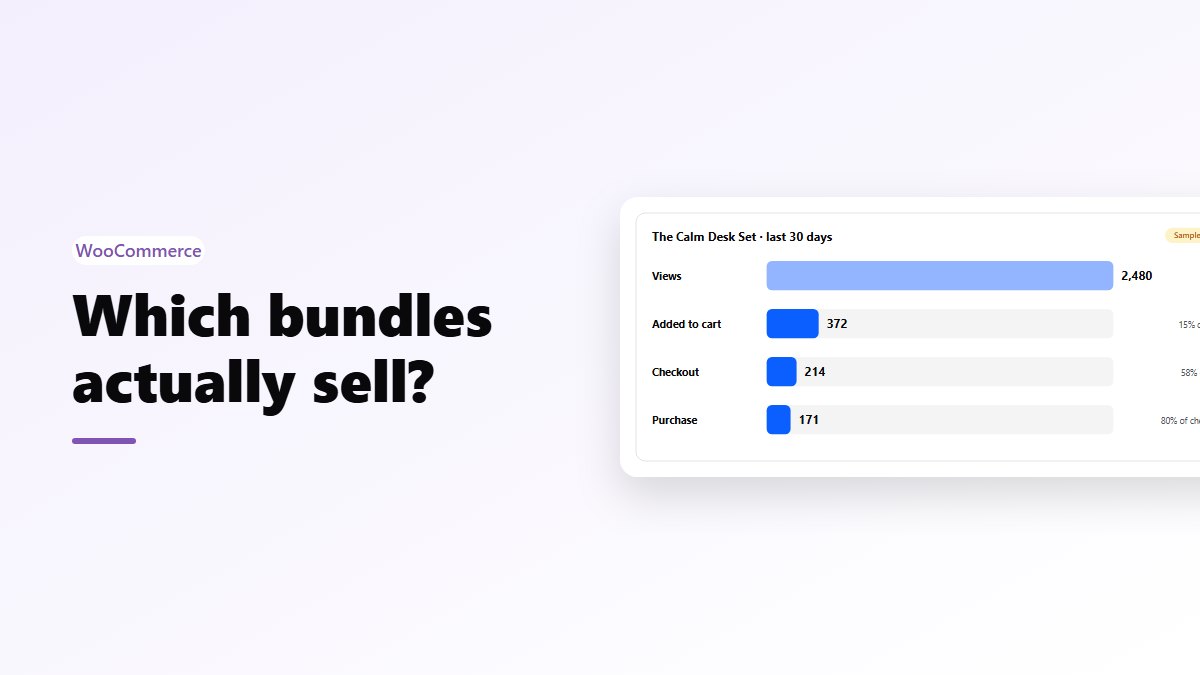
For bundle-level numbers, bundle analytics shows which bundles sell.
Get the plugins
- Bundles, quantity breaks, mix & match, BOGO: Nanflows Bundles on WordPress.org (free: fixed bundles and frequently bought together). Pro, with 8 more bundle types, is on the Nanflows Bundles page, from $39 a year. Every type is on one page: WooCommerce product bundles.
- Side cart, free shipping goal, cart upsells: Nanflows Sliding Cart on WordPress.org (free side cart). Pro is on the Nanflows Sliding Cart page, from $29 a year. More on the WooCommerce sliding cart.
- On Shopify: Nanflows Bundles for Shopify, with every bundle type on every plan.
FAQ
What is average order value?
Average order value (AOV) is the average amount a customer spends per order: total revenue divided by the number of orders in the same period. A store with $12,600 in revenue from 300 orders has an AOV of $42.
How do I calculate AOV?
Divide revenue by the number of orders for the same period. Use the same definition of revenue every time, for example after discounts and before shipping and tax, so months compare fairly.
What is the fastest way to increase average order value?
For most stores, a free shipping goal a little above the current AOV, and a bundle or quantity break on the best-selling products. Both can be live in a day and give shoppers a clear reason to add more.
What is AOV in retail?
In physical retail, the same number is usually called average transaction value or average ticket: sales divided by the number of transactions. Online stores call it average order value.
Do product bundles increase AOV?
Yes, when they’re built from products people already buy together and priced with a modest saving. The shopper buys the set instead of one item. Check the margin on each bundle so the higher AOV also means more profit.