In short: a gift box builder lets the shopper choose what goes in a box, add gift wrap and write a message. In WooCommerce, Nanflows Bundles Pro has a gift box type for 1 to 50 items, with an optional wrap price and a gift message that shows on the order for whoever packs it. Set it up a few weeks before gifting season.
Gift buyers are the easiest customers you’ll get all year, and the most anxious. They want something that looks thought-through, and they don’t know the products like you do. A build-a-box gift fixes both: they choose what goes in, and you make it look like a present.
This post shows how to set up gift boxes in WooCommerce with Nanflows Bundles Pro.
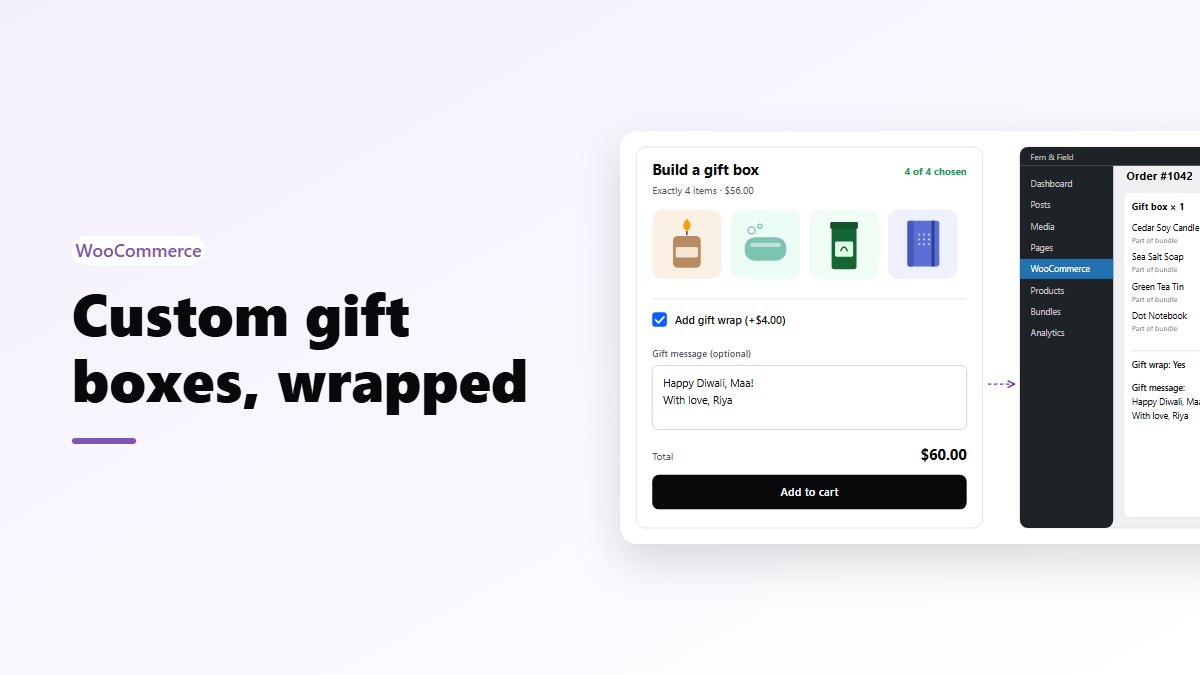
What the shopper does
- Picks the products for the box, from the selection you offer.
- Ticks Add gift wrap if they want it, with the price shown.
- Writes an optional gift message.
- Adds the box to the cart as one item.
The message goes on the order, where whoever packs it can see it.
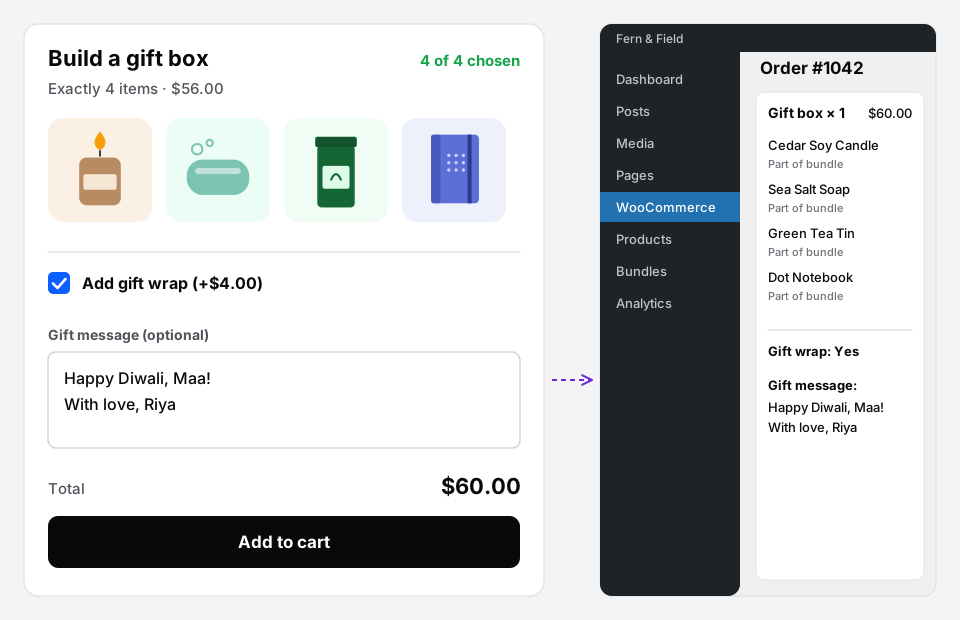 Left: what the shopper fills in. Right: the same box on the order, message included.
Setting it up
- Bundles → Create Bundle → Gift box.
- Add the products that can go in the box.
- Items in one box: shoppers fill it with exactly this many, from 1 to 50.
- Gift wrap price: if it’s above 0, shoppers get a tick box to add it, and the price is added to the bundle. Leave it at 0 for no wrapping option.
- Let customers add a gift message: on or off.
- Price the box: a fixed price, a percentage off, an amount off, or no discount on the products.
- Pick the pages and publish.
Should wrapping be free?
Charging a small amount for wrapping is common and people accept it, because it’s real work. But try thinking of it the other way round: a box at a fixed price with wrapping free reads as more generous than a cheaper box plus a wrapping fee.
If you charge, keep it simple: one wrap, one price.
Choosing the box size
Three to five items works for most gift boxes. Fewer looks thin; more starts to cost more than a gift budget.
Match the number to your actual packaging. If your boxes hold four candles, make it “Items in one box: 4”. The exact size is there so the box always fits.
Timing for gifting season
Gift boxes sell in waves: Christmas, Diwali, Valentine’s Day, Mother’s Day, Eid, end of year for corporate gifts. Two Pro rules help:
- Sell from / Sell until. Set the box up weeks early and let it appear and disappear on the right days, in your shop’s time zone.
- Maximum bundles per order. Useful if your wrapping or stock can’t handle one order of 40 boxes. For corporate orders, deal with them directly.
Leave a margin for shipping. Set “Sell until” a few days before your last delivery date, not on the holiday itself.
Making the box sell
- Photograph a finished box, wrapped. Choose it as the bundle’s picture on the Name & text step.
- Curate the pool. Twelve products that all look good together beat your whole catalogue.
- Offer a box at more than one price point if your products vary, such as a small box of 3 and a big box of 5.
- Show it where gift buyers land: a gift page, using the Bundle block or the shortcode.
Gift box, mix and match, or build your own?
- Gift box: one pool, an exact number, wrapping and a message.
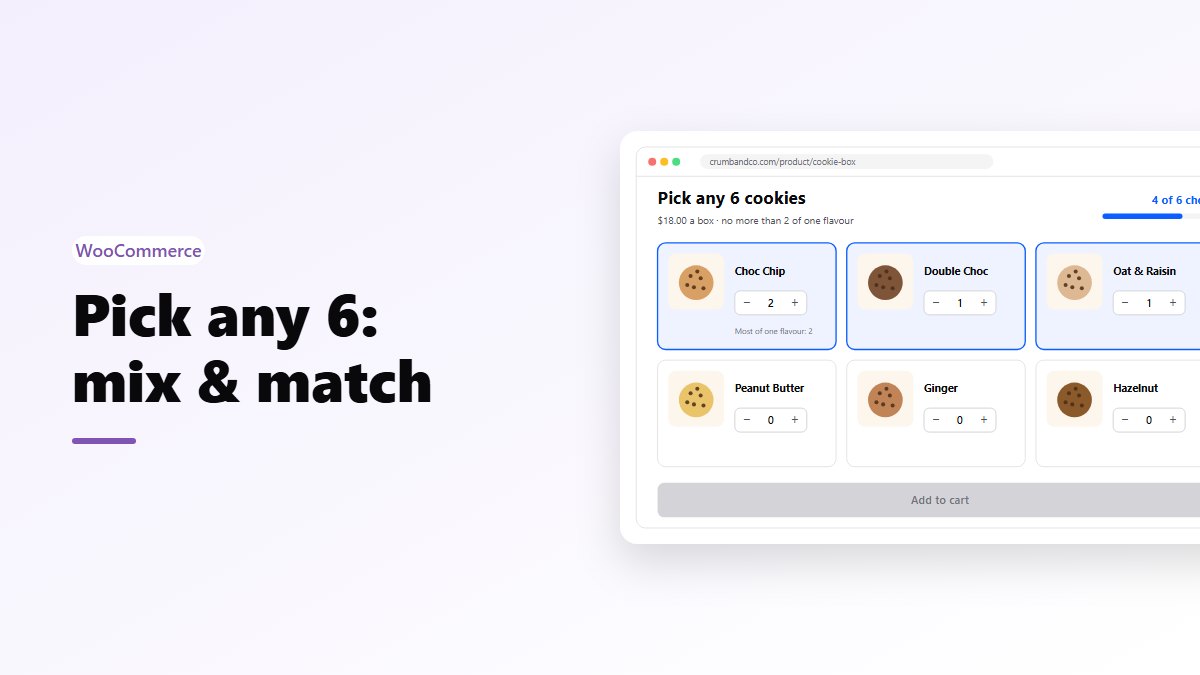
- Mix and match: one pool, a minimum and maximum, no gift options.
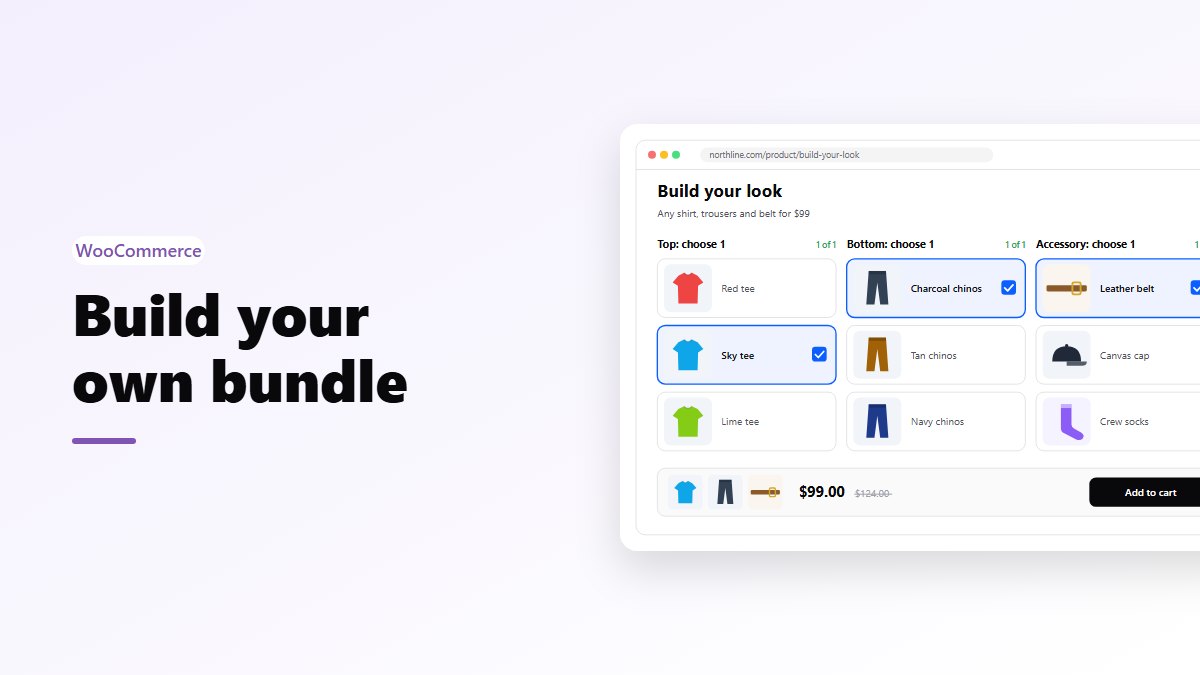
- Build your own: slots, like one sweet, one savoury and one drink.
Get ready for gifting season
- Nanflows Bundles Pro has gift boxes with paid wrap and a message, plus mix & match and build your own. $39 a year for one site, or $149 for up to five, and a first purchase can be refunded within 14 days.
- It builds on the free Nanflows Bundles plugin from WordPress.org.
- More on WooCommerce product bundles.
FAQ
Where does the gift message appear?
On the order, with the bundle, so it’s in front of whoever packs it.
Does gift wrap count as one of the items?
No. The box holds exactly the number you set, and wrapping is extra.
Can gift boxes be paid by cash on delivery?
Each bundle has its own payment rule: COD, prepaid only, or both. For expensive gift boxes, prepaid only is worth considering. See bundles and cash on delivery.