Help center › Create a bundle, kind by kind
Create a Buy X Get Y offer
Shoppers buy some products and get others free or cheaper. Example: buy joggers, get socks free; buy 2 T-shirts, get a cap at 50% off.
-
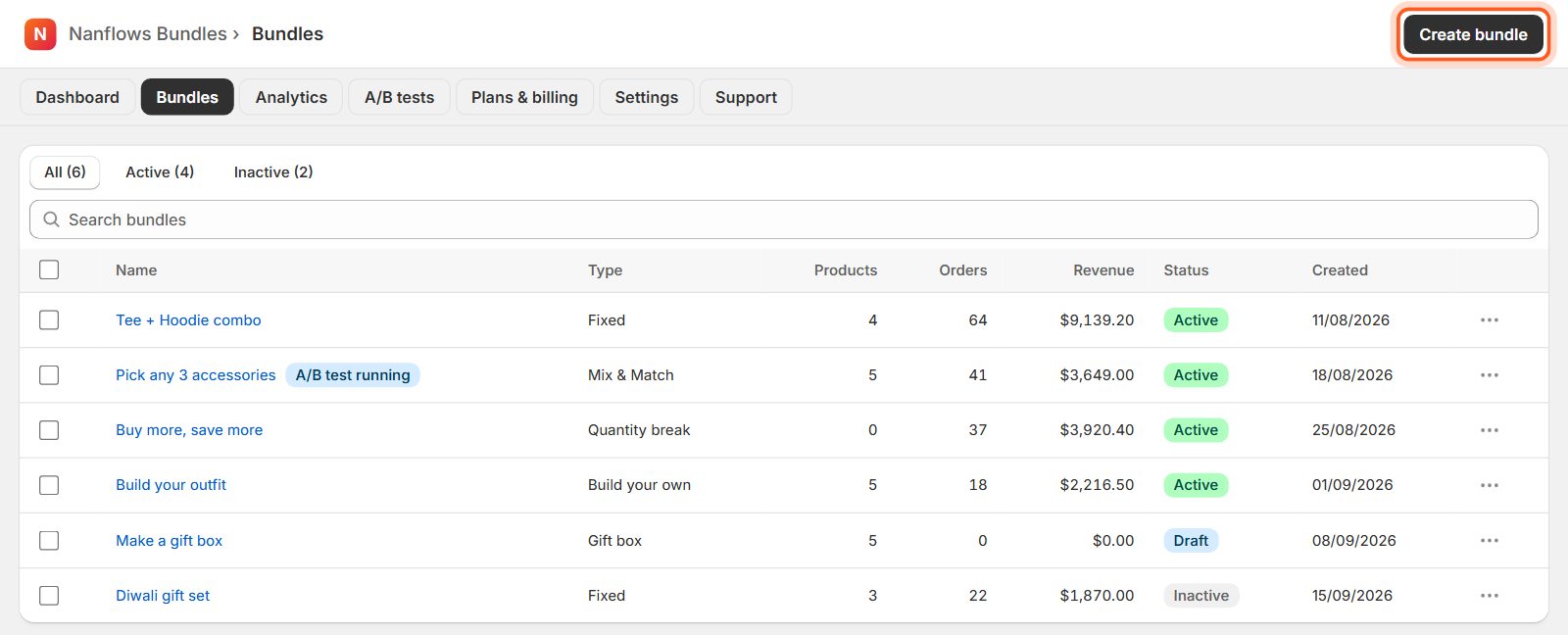
Open Bundles and click Create bundle
In your Shopify admin, open Apps → Nanflows Bundles. Click Bundles in the menu at the top, then Create bundle at the top right.
-
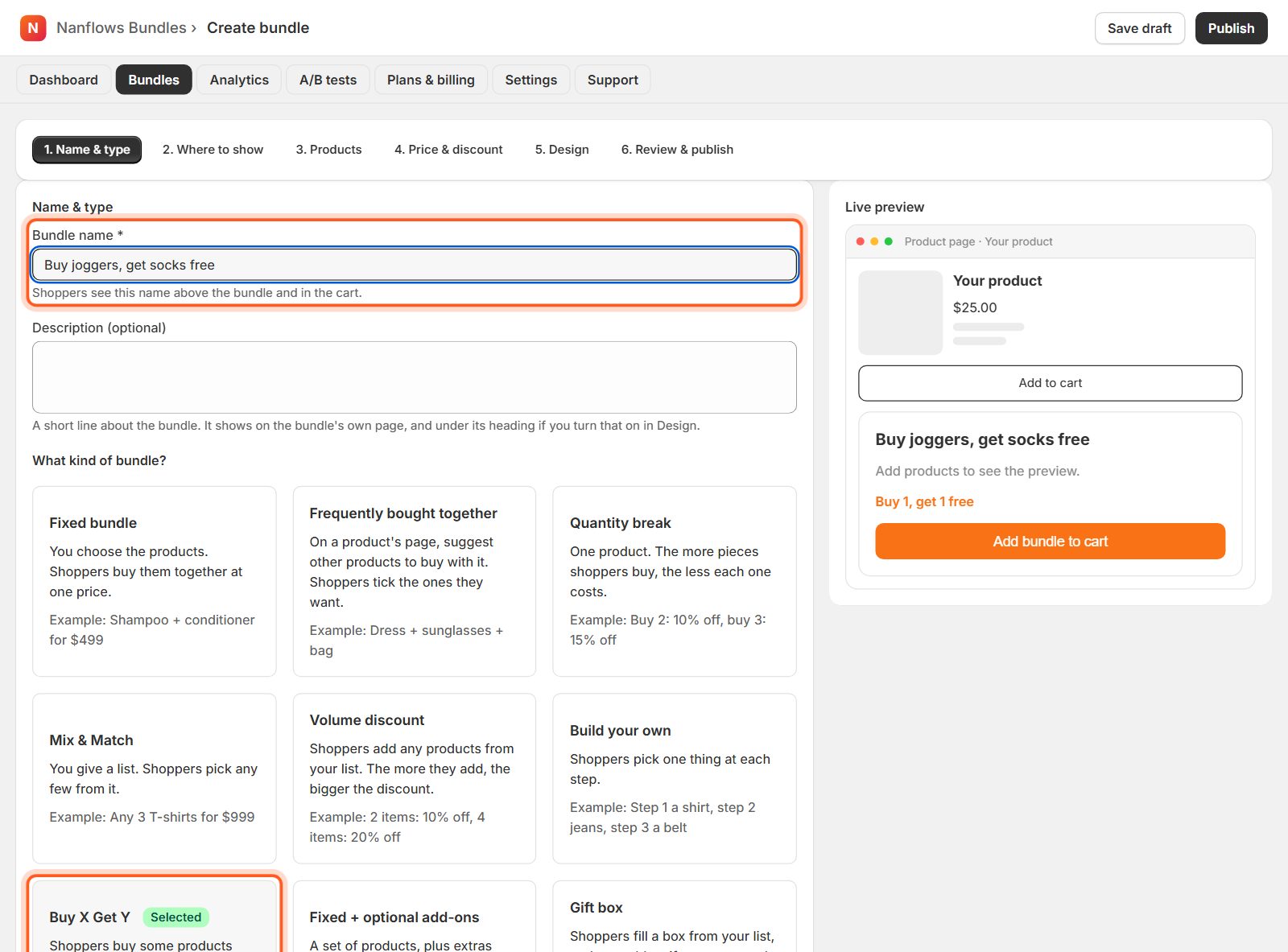
Type a name, then choose Buy X Get Y
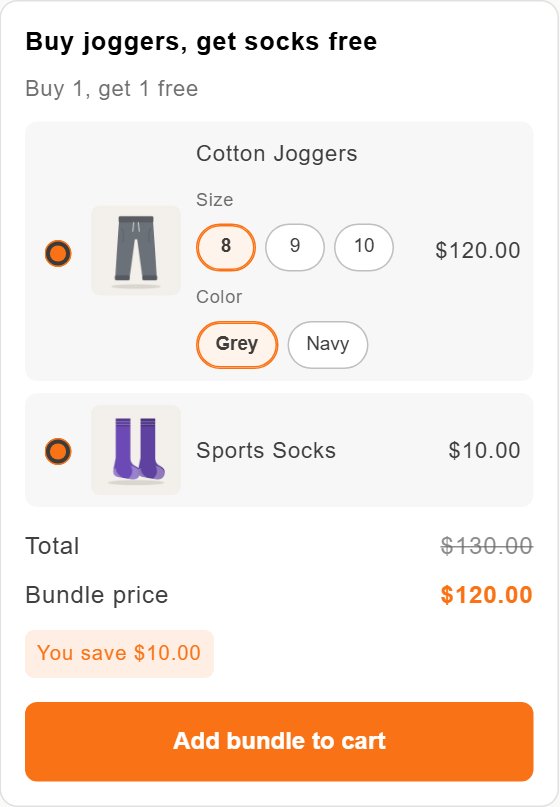
Shoppers see the Bundle name above the bundle and in the cart, for example Buy joggers, get socks free. The description is optional. Then click the Buy X Get Y card. Shoppers buy some products and get others free or cheaper.
-
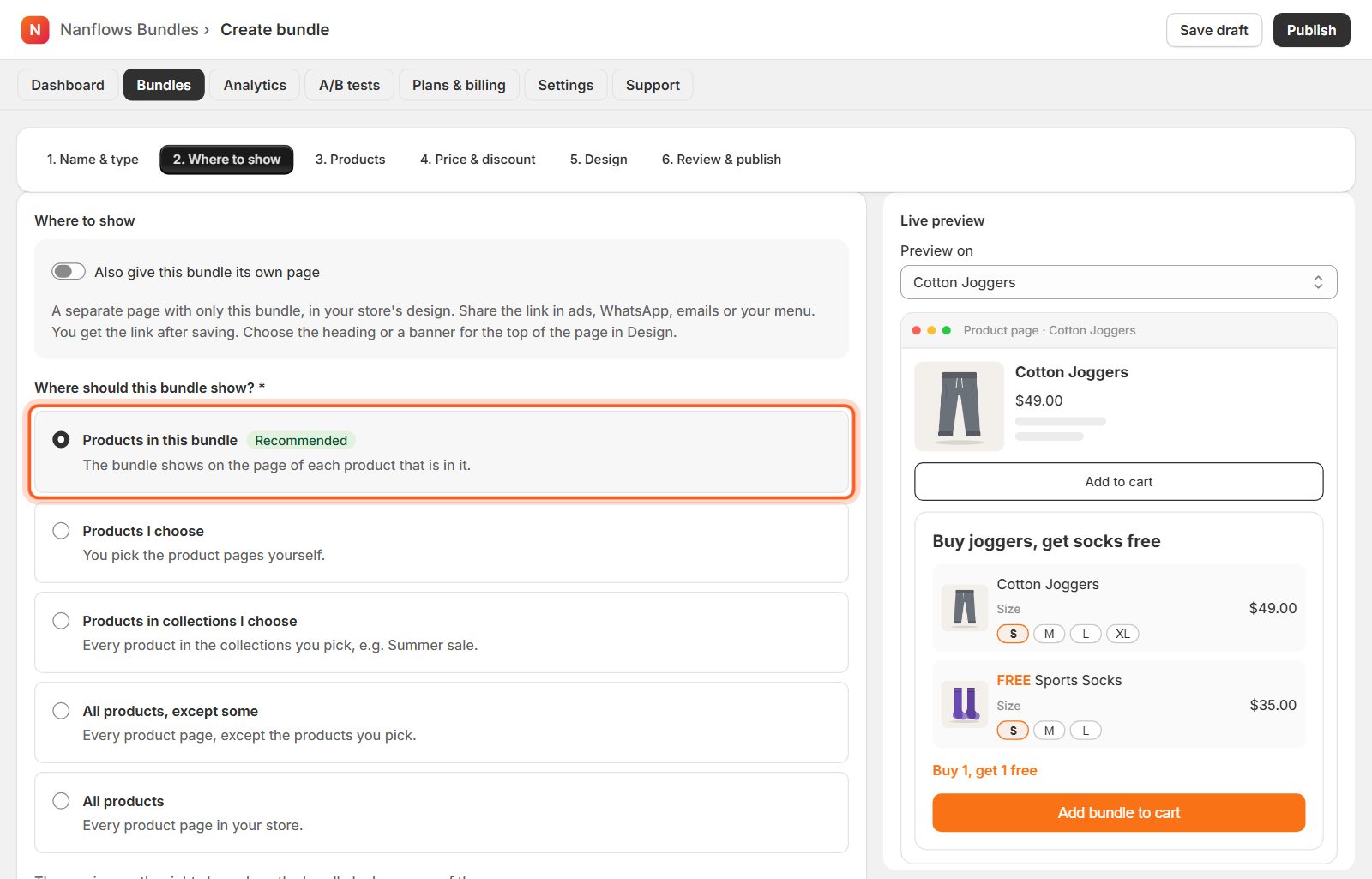
Where to show: keep Products in this bundle
Click 2. Where to show. Products in this bundle (recommended) shows the bundle on the page of every product in it. You can also pick products, collections or every product instead. See Where your bundle shows for all the choices.
-
Products: what shoppers buy
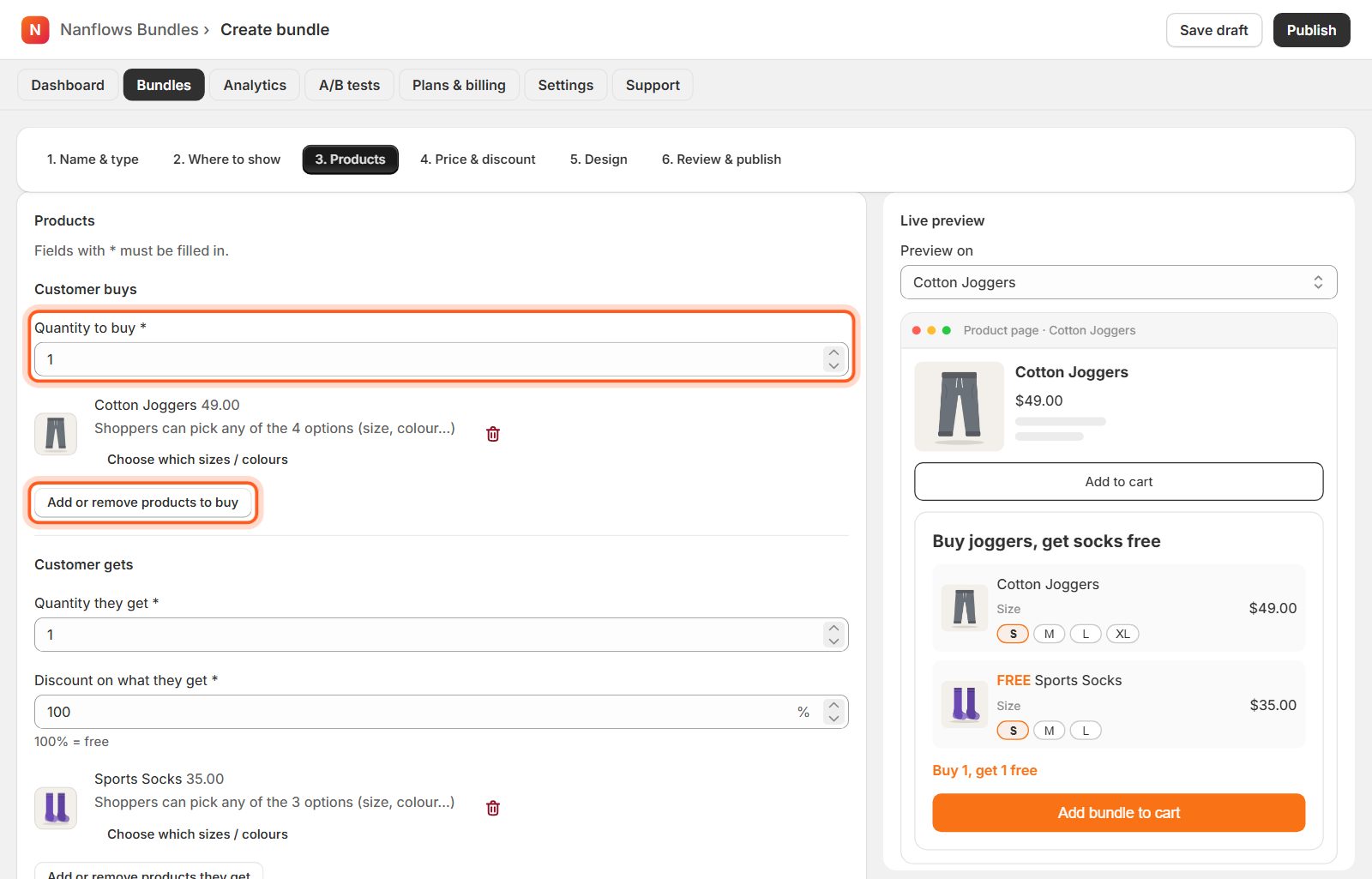
Under Customer buys, set the Quantity to buy and click Select products to buy.
-
Products: what they get, and the discount
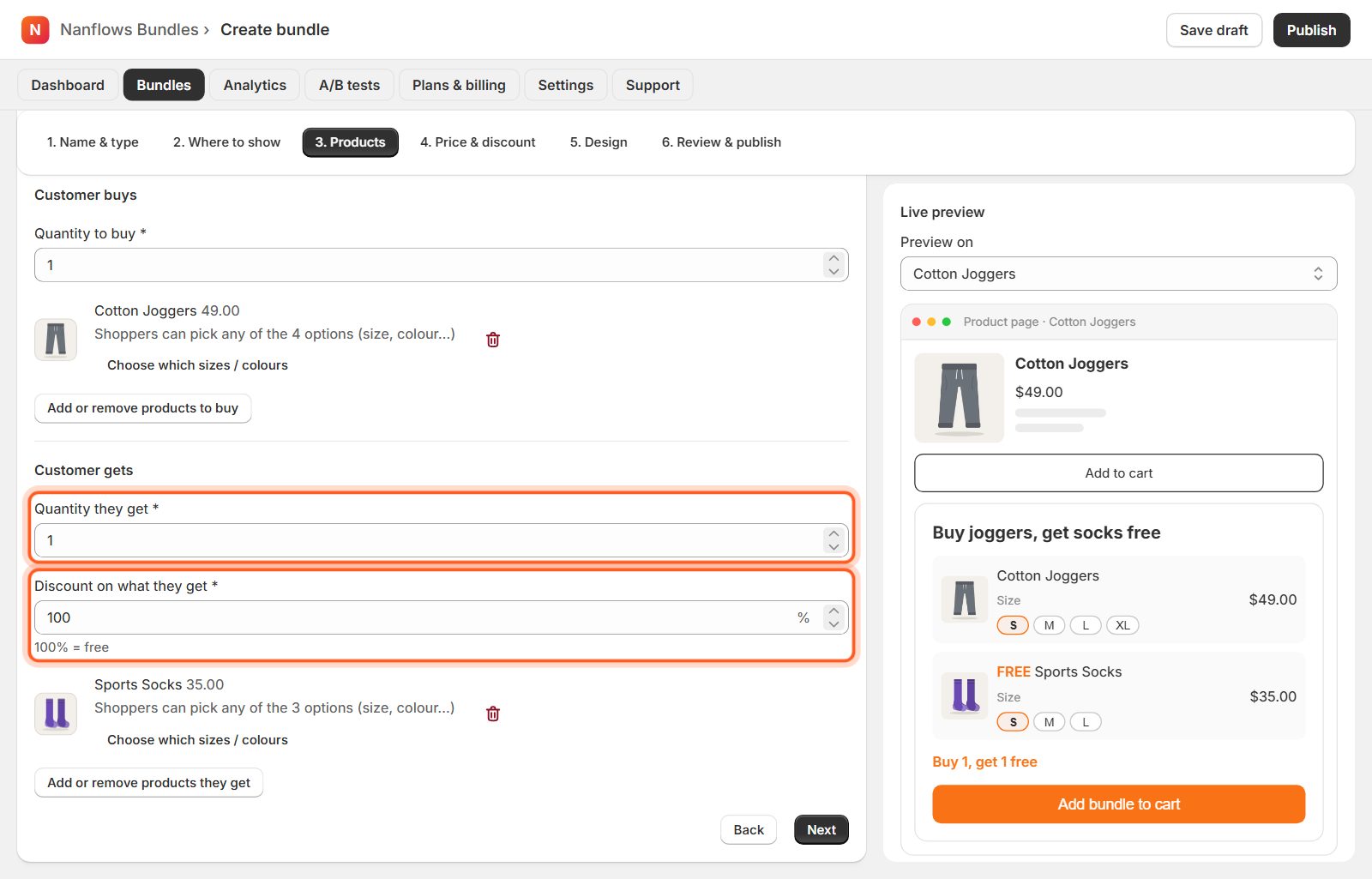
Under Customer gets, set the Quantity they get and the Discount on what they get: 100% means free, 50% half price. Then Select products they get.
-
Price & discount: already set
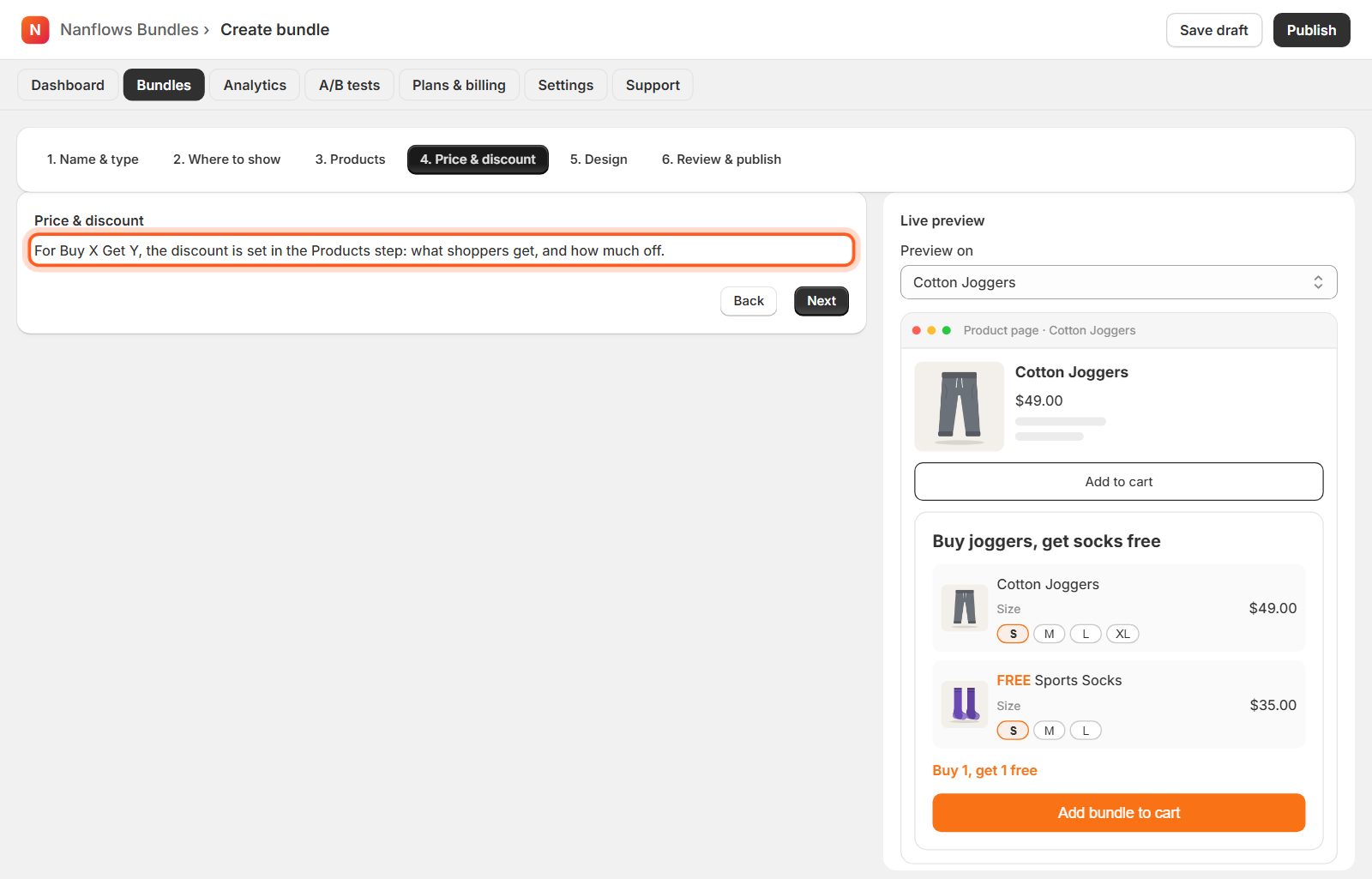
For Buy X Get Y the discount is set in the Products step, so 4. Price & discount has nothing more to fill in.
-
Design: change how it looks (optional)
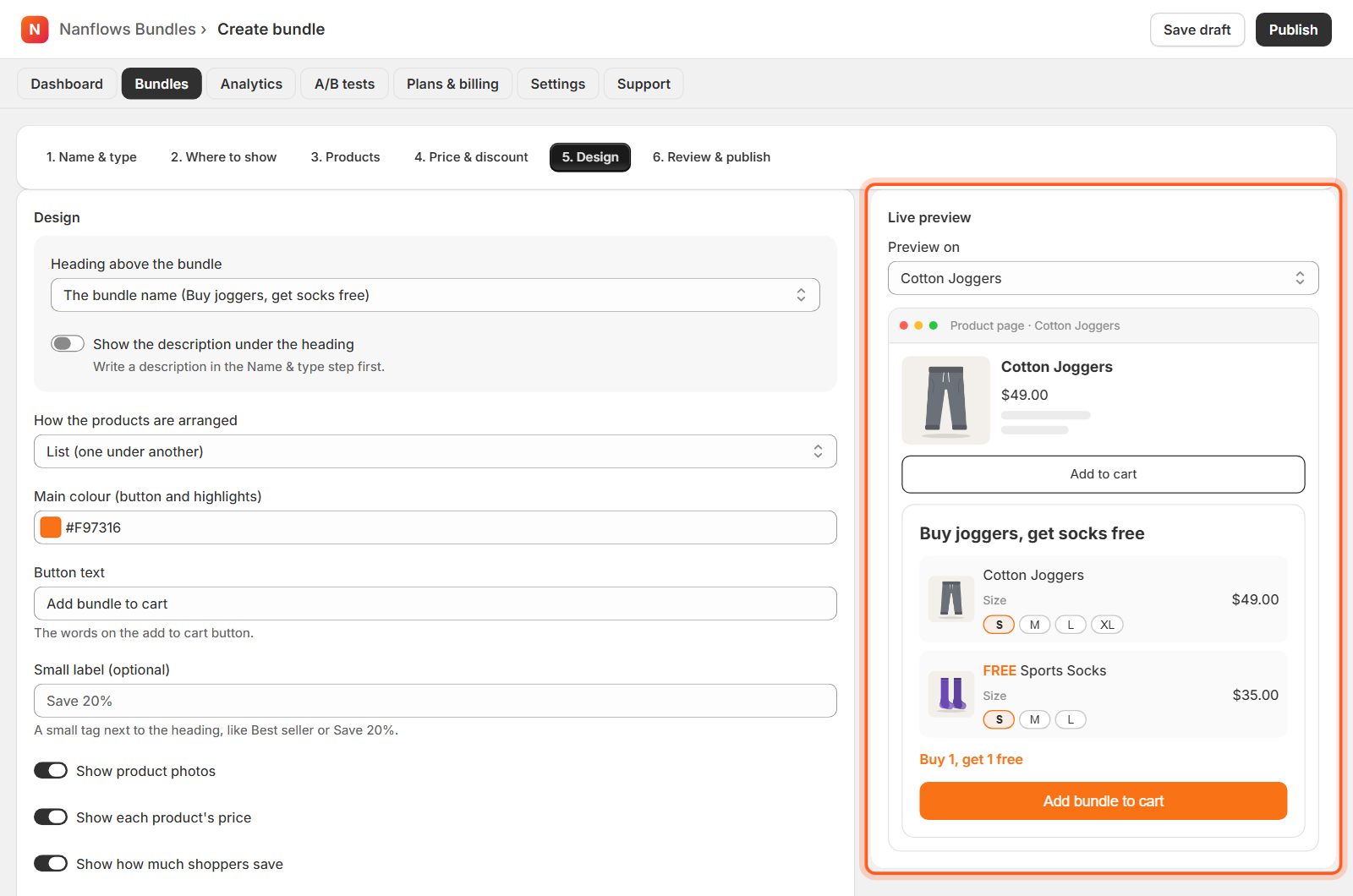
In 5. Design choose the heading, how the products are arranged (list, row or grid), your colour, the button text and a small label such as Save 15%. The Live preview on the right changes as you click. Everything here is optional: the bundle already looks good. See Design your bundle for every option.
-
Click Publish bundle
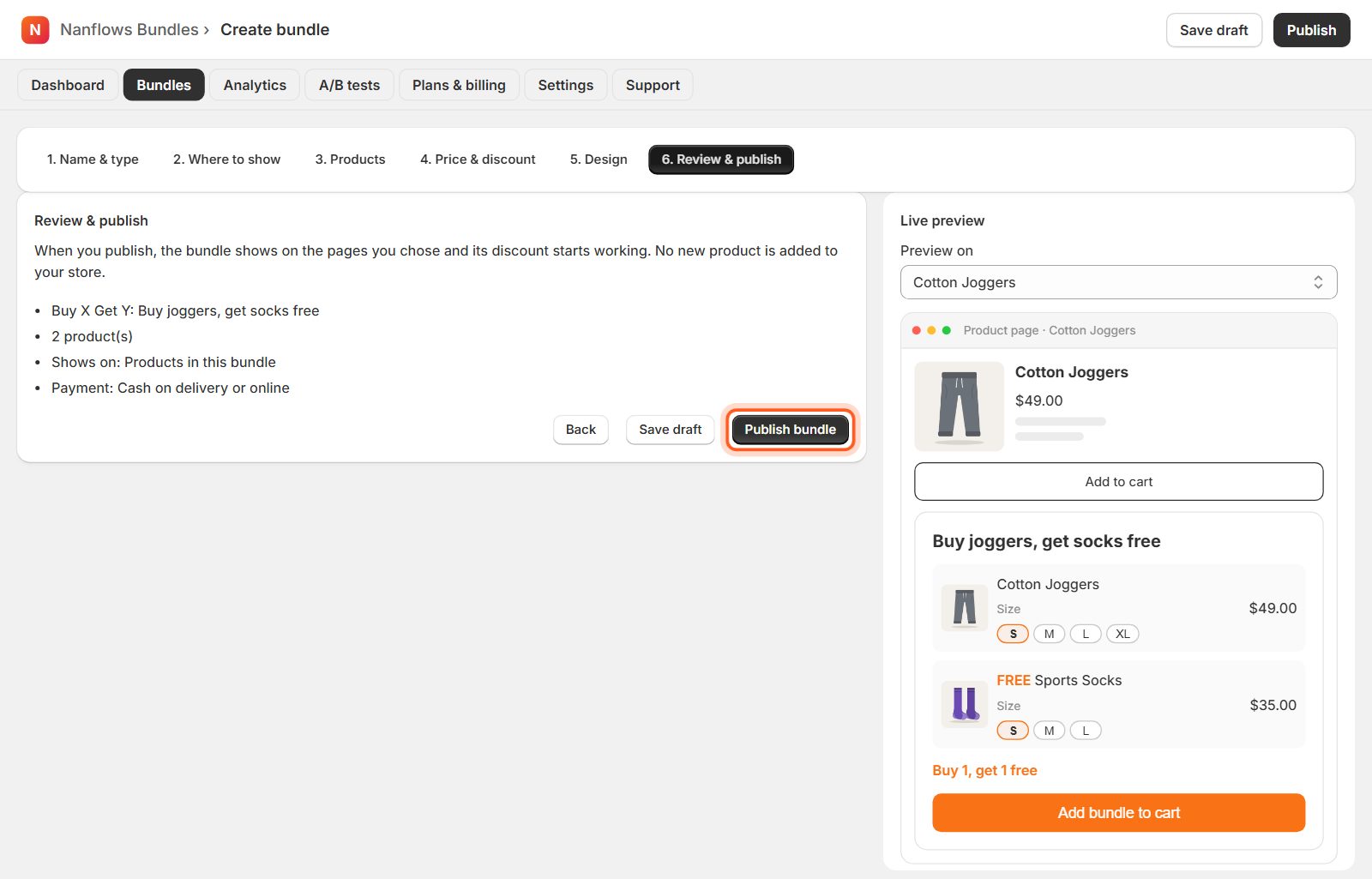
6. Review & publish shows a short summary. Click Publish bundle and it goes live on your store straight away. Save draft keeps it hidden from shoppers until you are ready.
-
What shoppers see
Shoppers see what they buy and what they get, with the saving. The free or cheaper item is added with one click.
Nanflows Bundles for Shopify · Need help? support@nanflows.com