Help center › Your account
Get help (Support)
Report a problem or ask for a feature from inside the app. We reply by email.
-
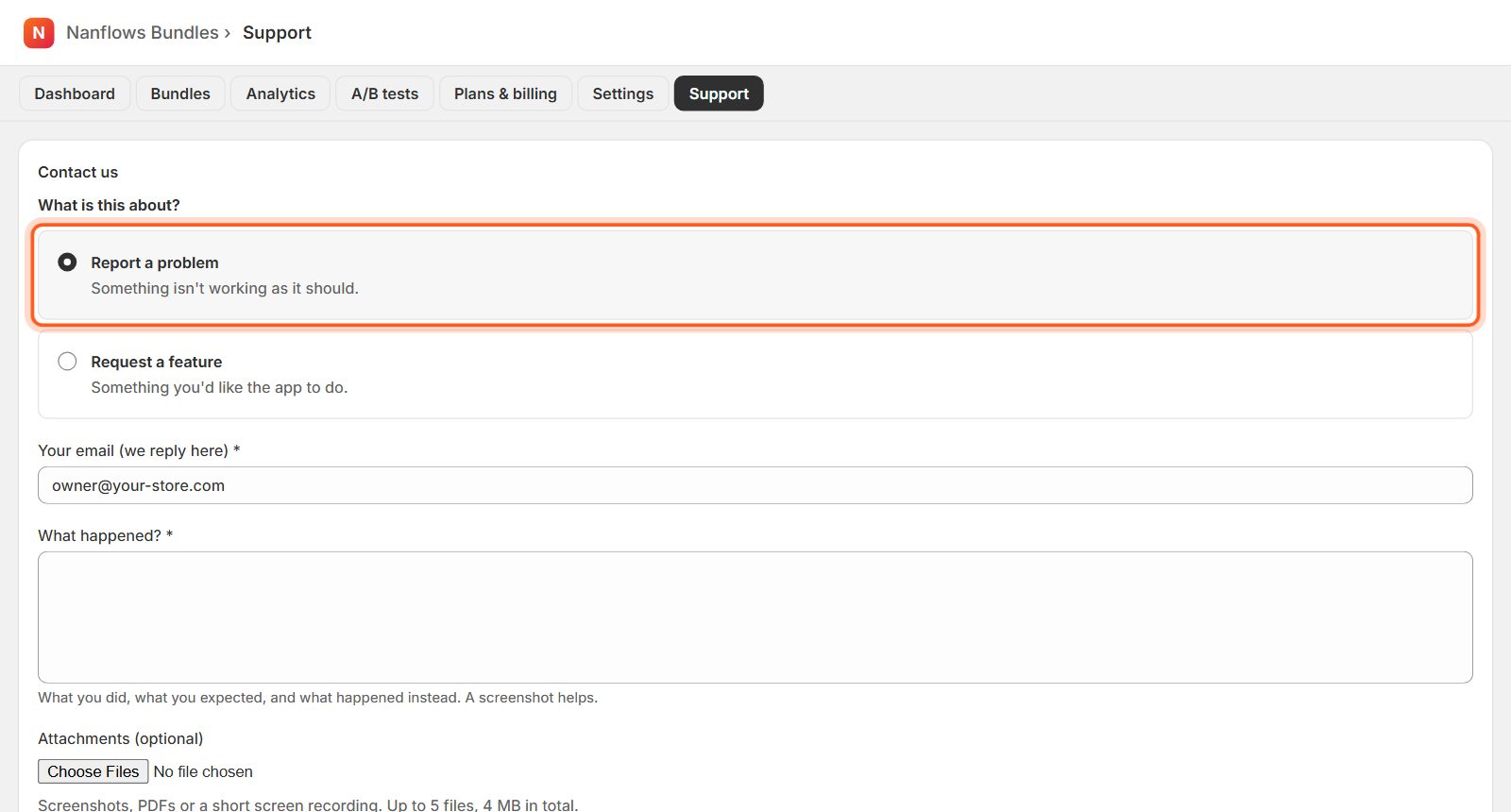
Report a problem
Open Support and choose Report a problem. Tell us what you did, what you expected and what happened instead. Attach screenshots or a short screen recording (up to 5 files, 4 MB in total), then click Send problem report.
-
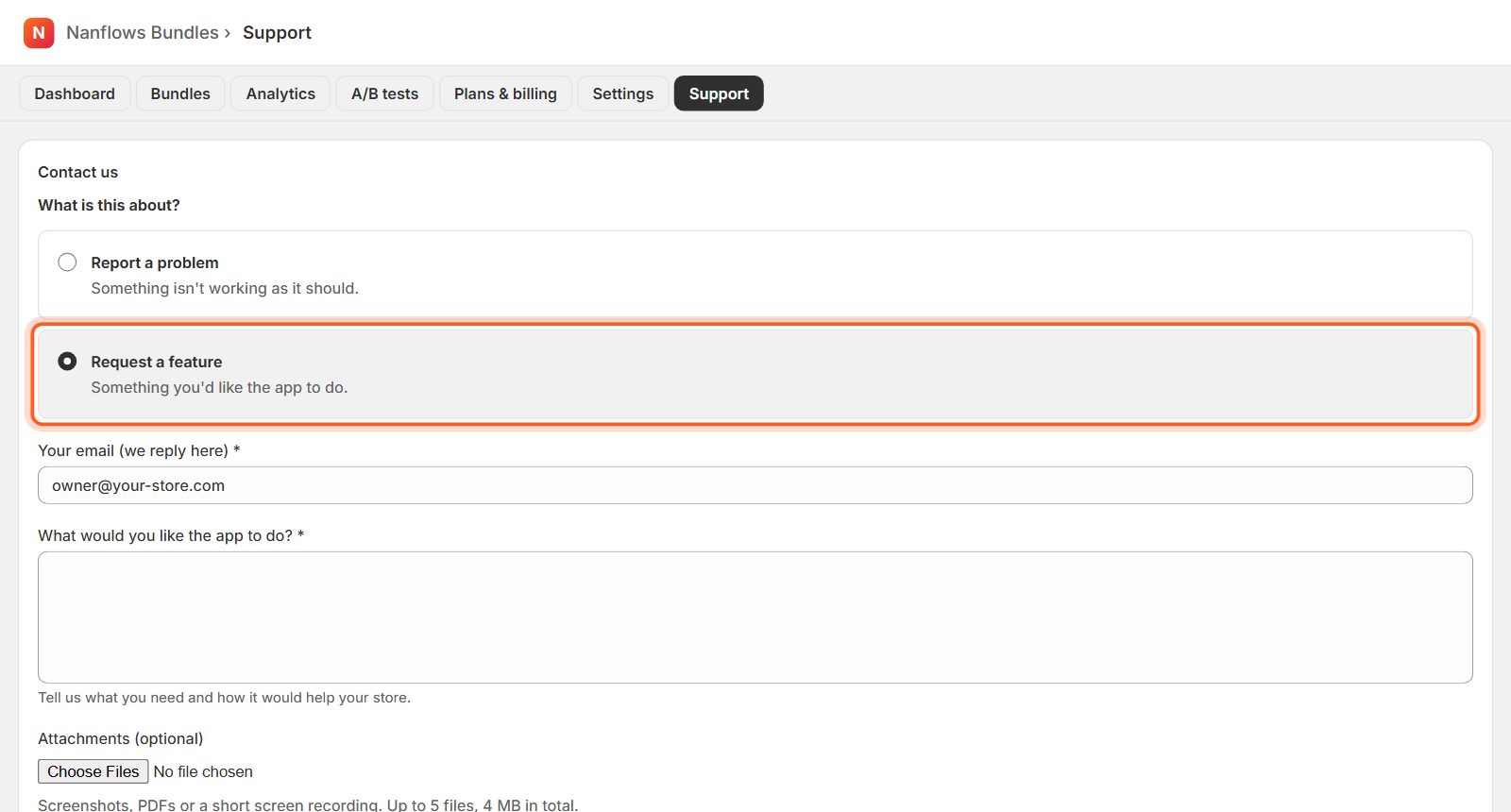
Request a feature
Choose Request a feature, describe what you would like the app to do and why it would help your store, then send it.
-
Email us
You can also write to support@nanflows.com. On the Scale plan you get an account manager and a shared Slack channel.
Nanflows Bundles for Shopify · Need help? support@nanflows.com