Help center › Your account
Settings
Notification emails, cash on delivery rules for the whole store, and where bundles appear on your product page.
-
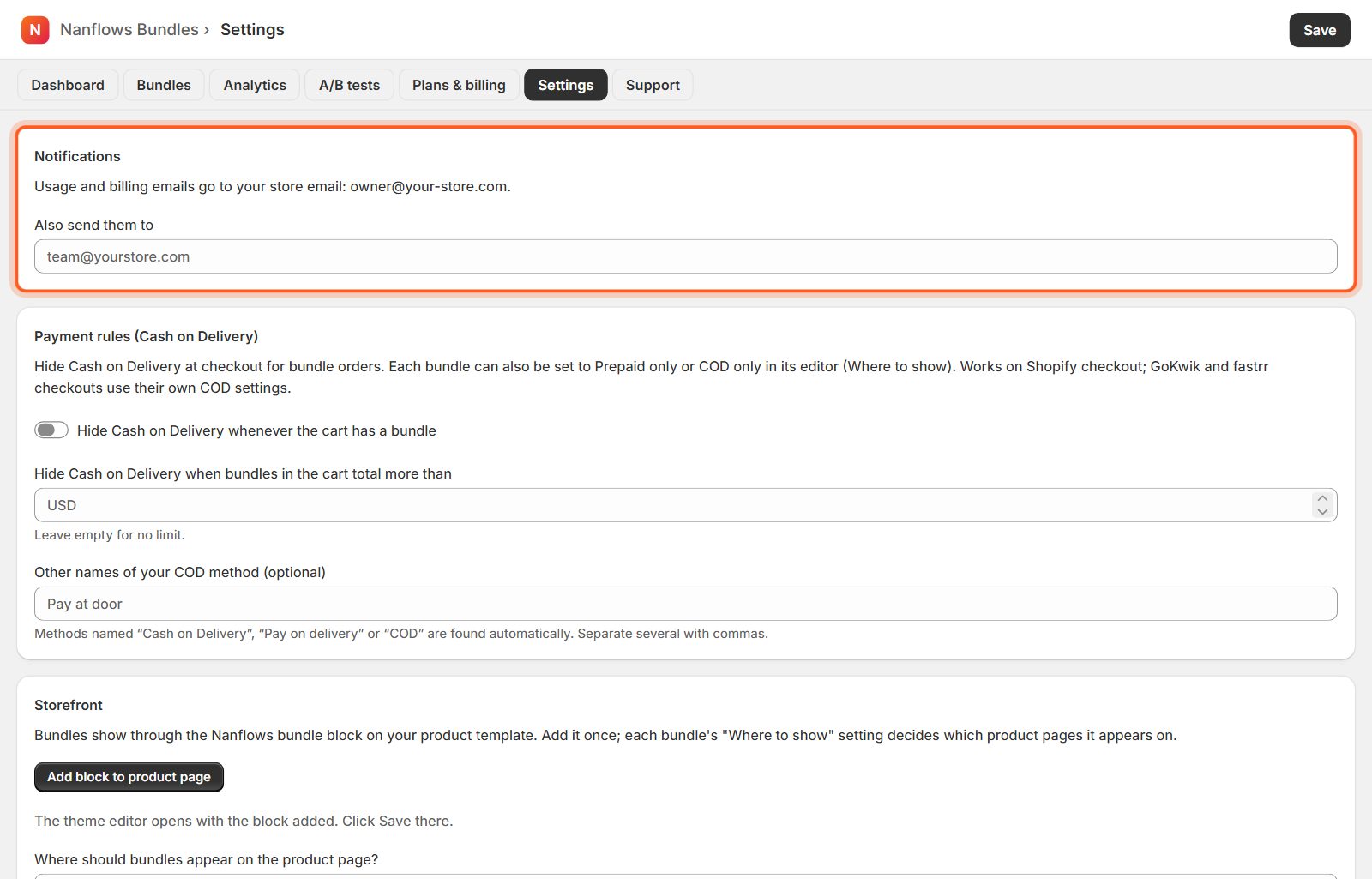
Notifications
Usage and billing emails go to your store email. Add another address under Also send them to, for example your team's.
-
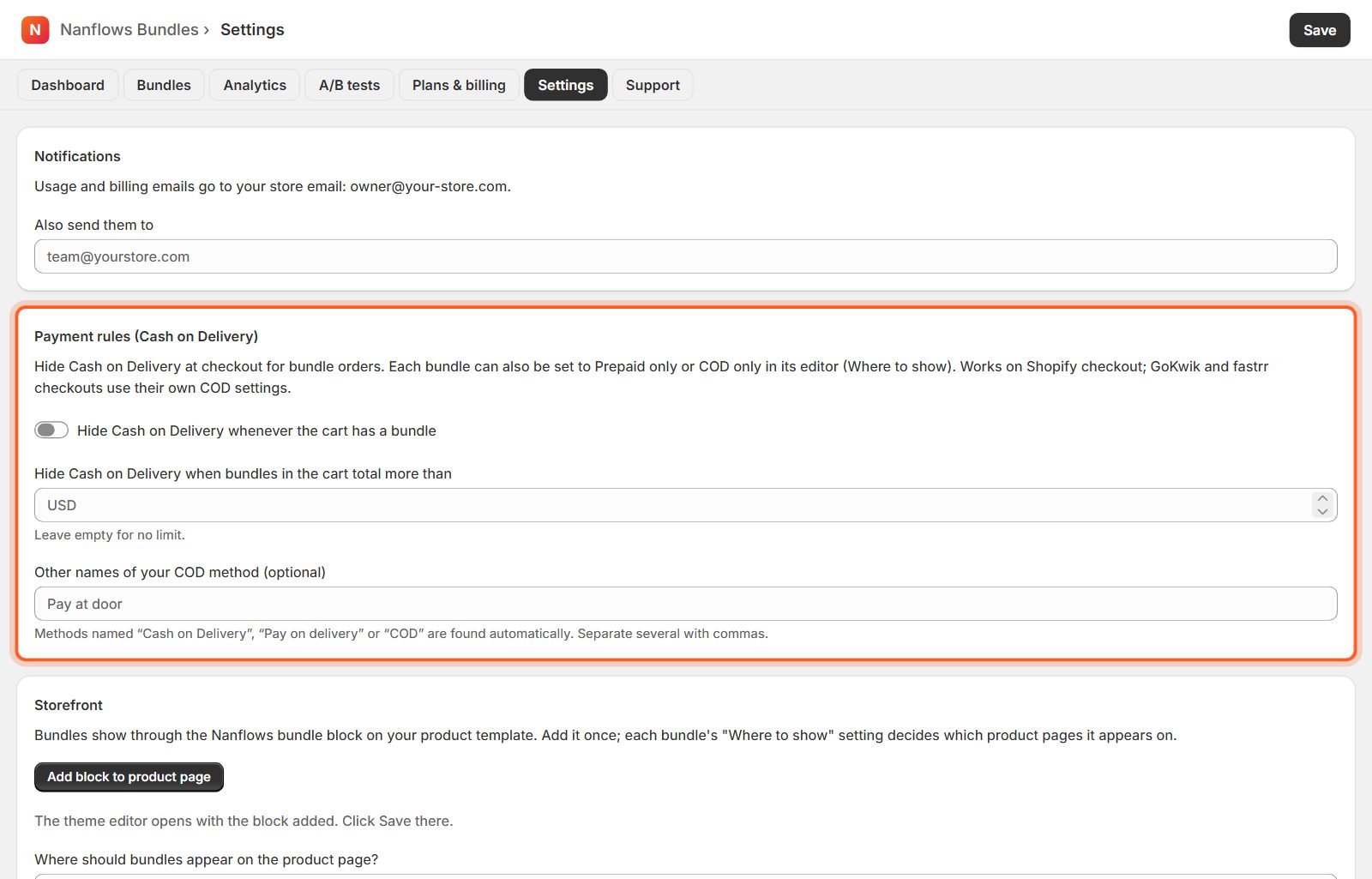
Cash on delivery rules
Hide Cash on Delivery whenever the cart has a bundle, or only when bundles in the cart total more than an amount. If your COD method has another name, add it under Other names of your COD method. Each bundle can also be prepaid-only or COD-only in its editor.
-
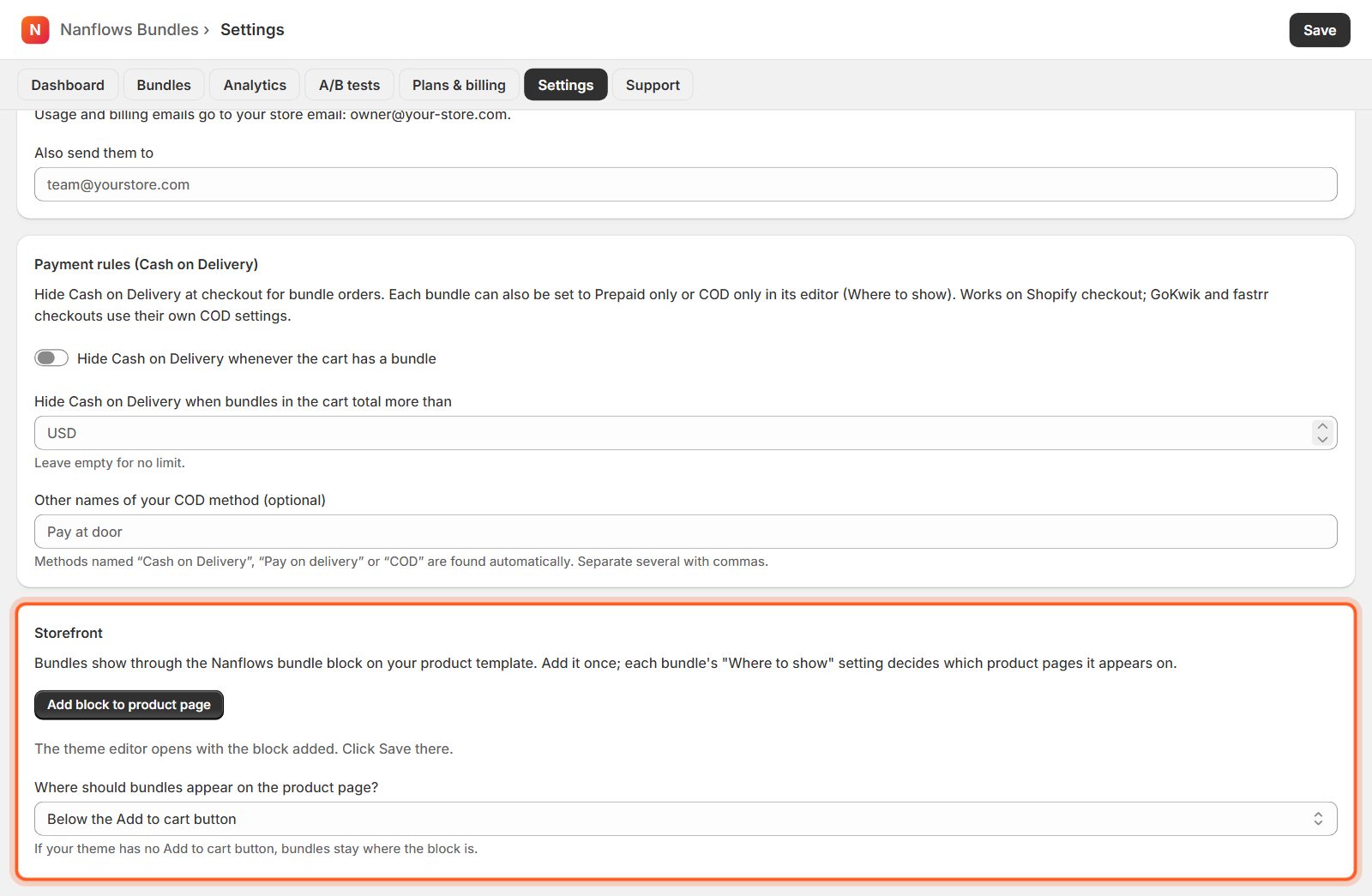
Storefront: the bundle block
Add block to product page opens the theme editor with the block added: click Save there. Where should bundles appear on the product page? places bundles below the Add to cart button (or wherever you put the block).
Nanflows Bundles for Shopify · Need help? support@nanflows.com