Help center › Manage and grow
Manage your bundles
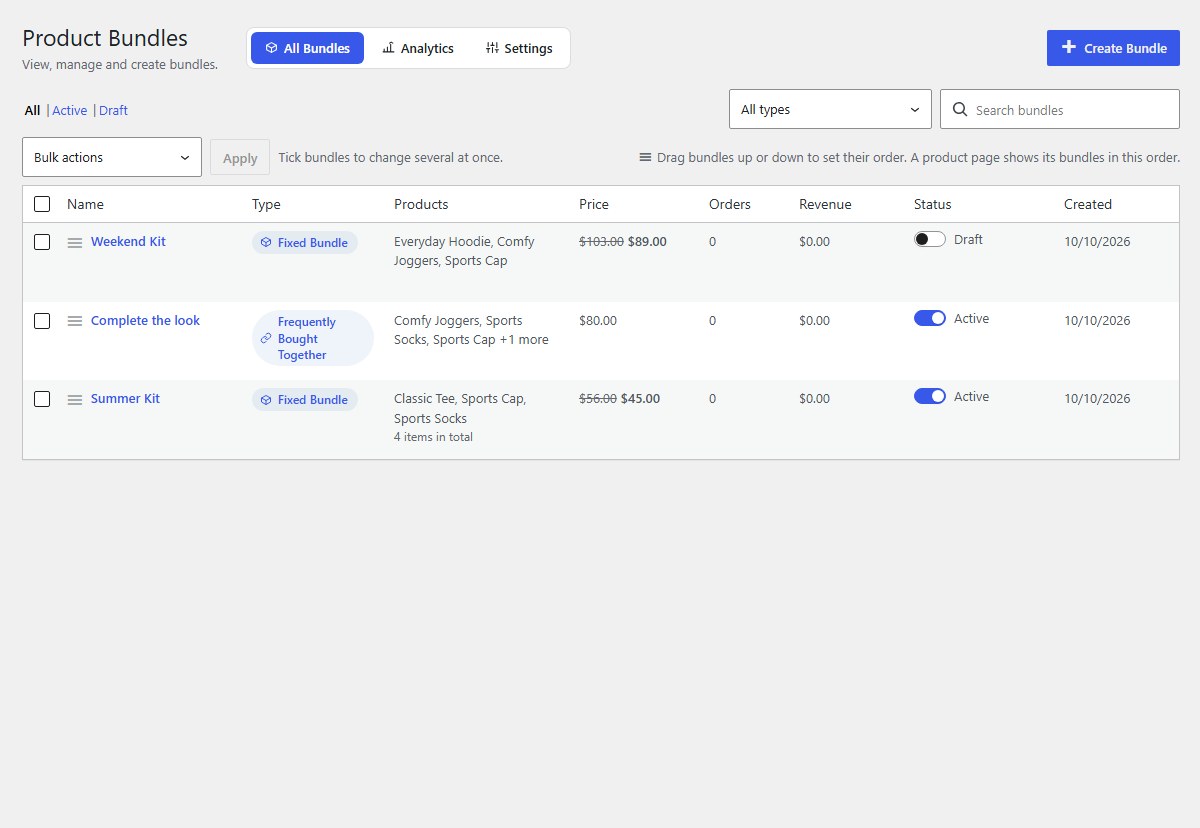
The Bundles list shows every bundle with its type, products, price, orders and revenue. Edit, duplicate, pause or delete from one place.
-
The Bundles list
Click Bundles. Each row shows the bundle’s type, its products, its price (with the regular price crossed out), orders, revenue, status and when it was made.
-
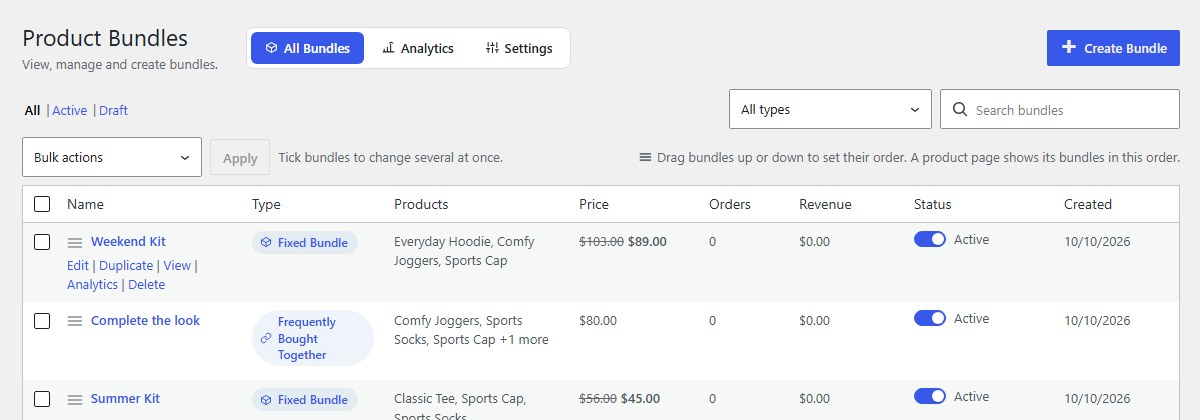
Edit, duplicate, view, analytics, delete
Point at a bundle to see its links. Duplicate makes a copy as a draft: the quick way to make a similar bundle, or another kind of bundle with the same products. Delete moves it to the trash; past orders are not affected.
-
Switch a bundle on or off
The Status switch publishes a bundle or moves it to drafts. Drafts are never shown to shoppers.
-
Search and filter
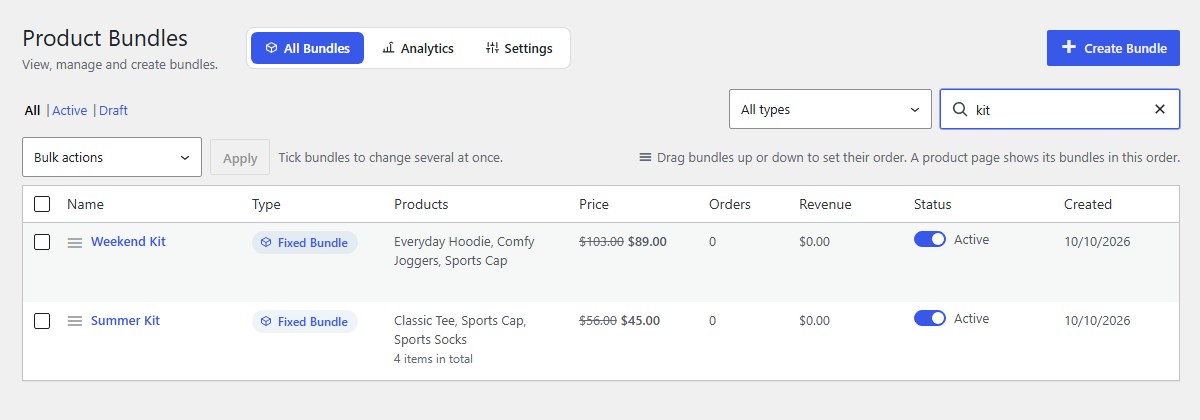
Type in Search bundles, choose a type in All types, or click All, Active or Draft.
-
Change several at once
Tick bundles, choose Move to drafts or Move to trash in Bulk actions, and click Apply.
-
Set the order
Drag bundles up or down by the handle. When a product page offers several bundles, it shows them in this order. You can drag the products inside a bundle in the editor the same way.
Nanflows Bundles · Need help? support@nanflows.com