Help center › Bundle settings
Prices and discounts
Step 2 of the editor: how the bundle is priced. The price is applied automatically in the cart and at checkout; shoppers never need a coupon code.
-
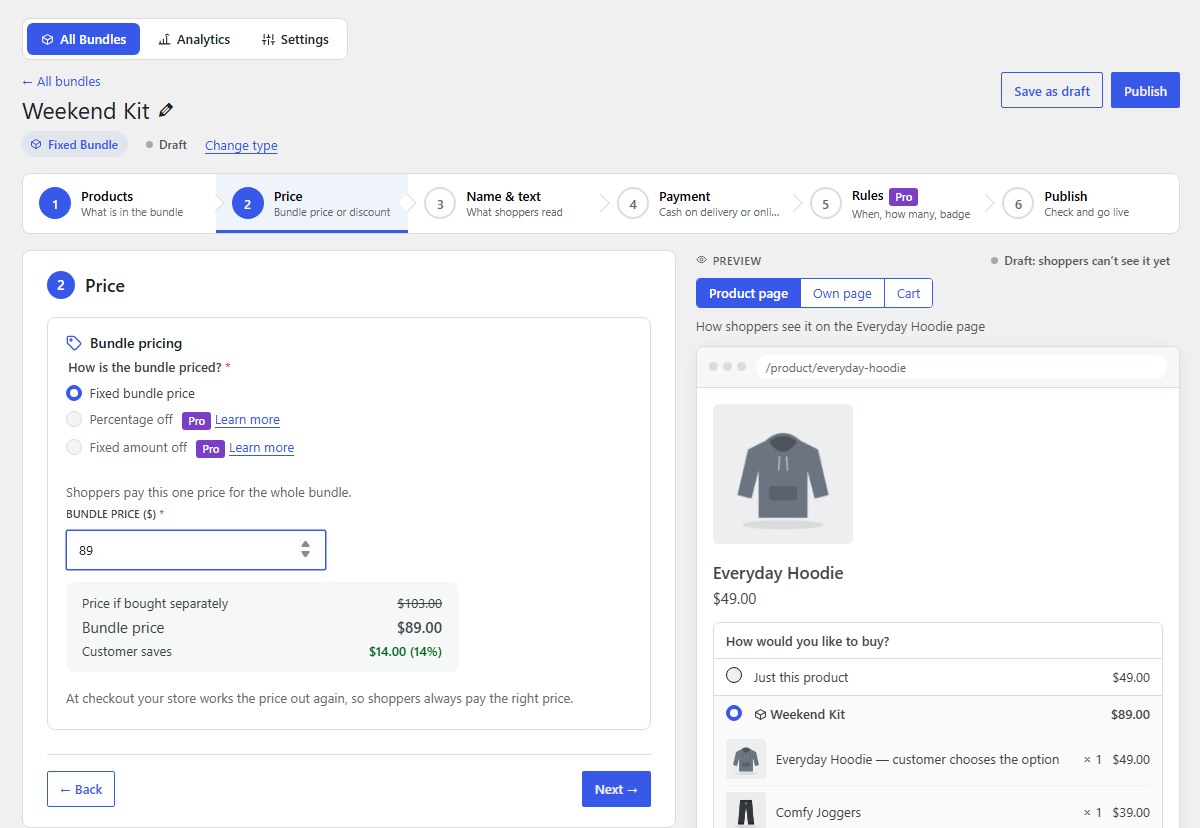
Fixed bundle price
Shoppers pay one price for the whole bundle. The box under it shows the price if bought separately, the bundle price, and what the customer saves.
-
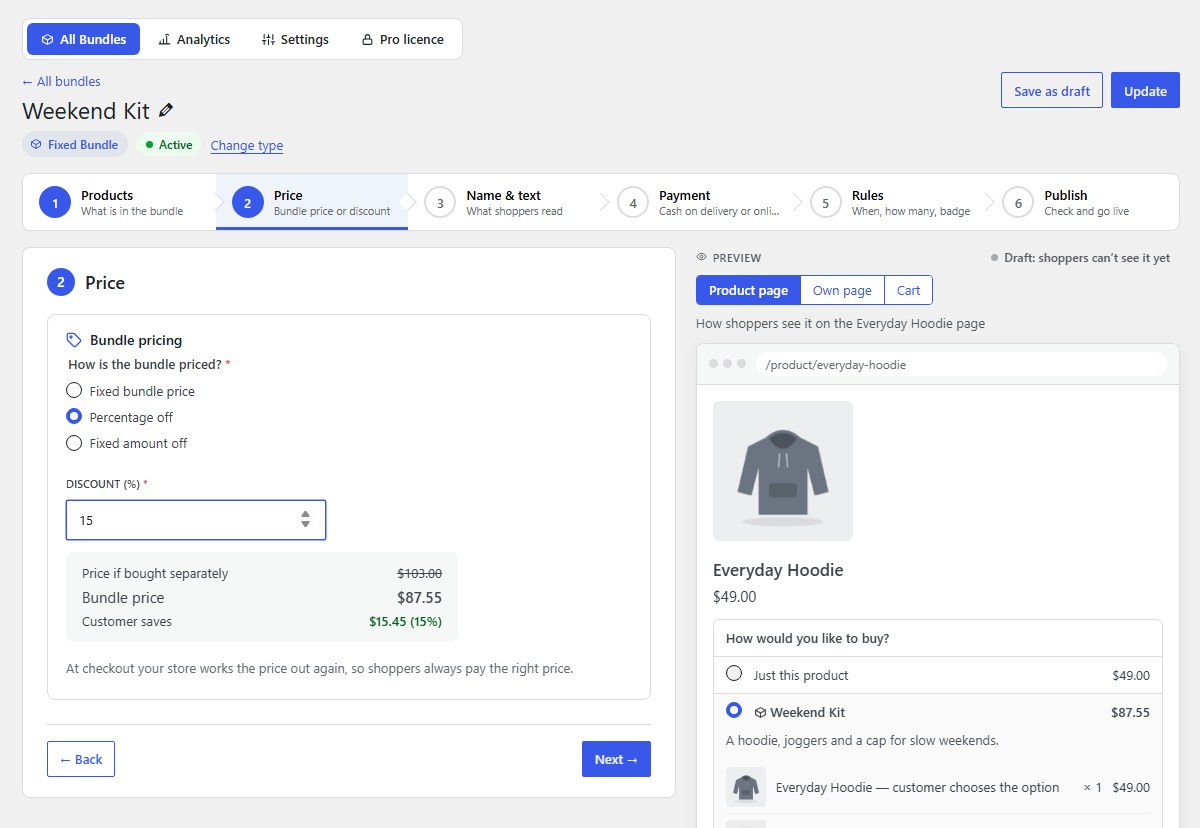
Percentage off Pro
A discount on the products’ own prices, for example 15% off. If a product’s price changes, the bundle price follows.
-
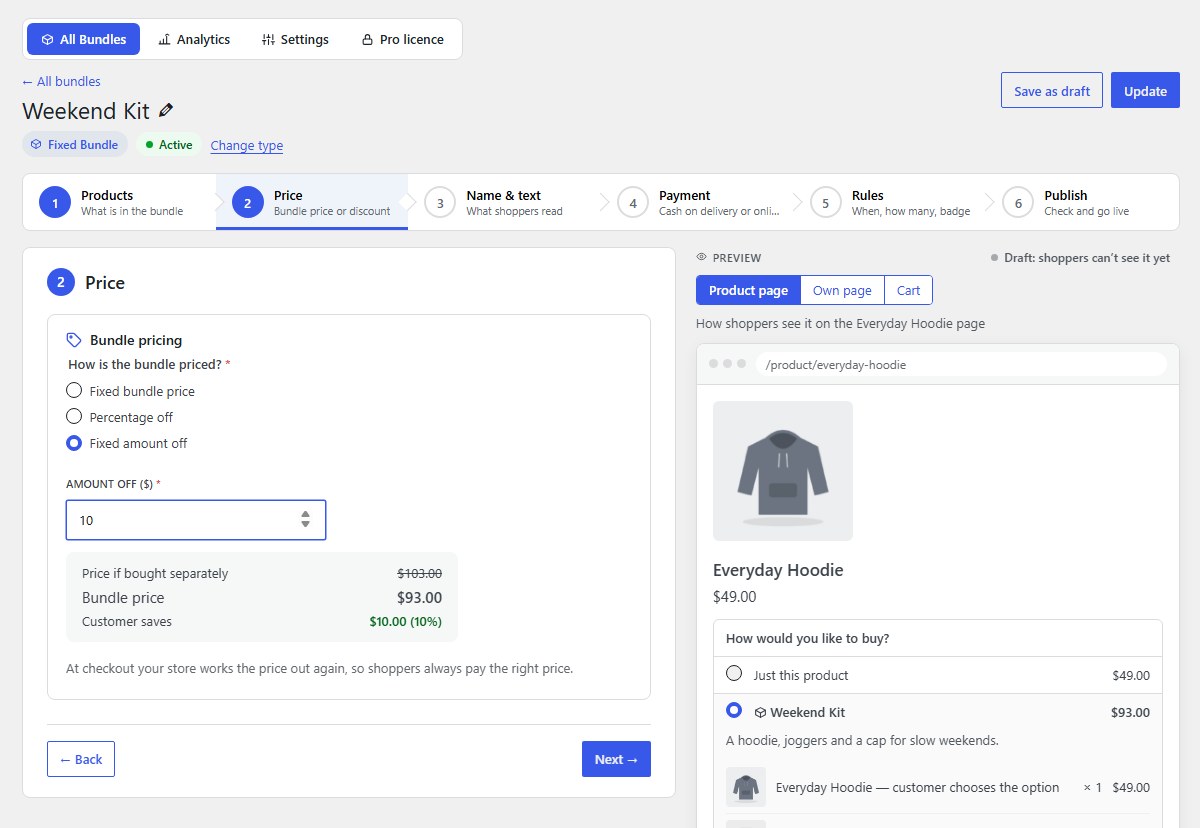
Fixed amount off Pro
A set amount off the products’ total, for example $10 off.
-
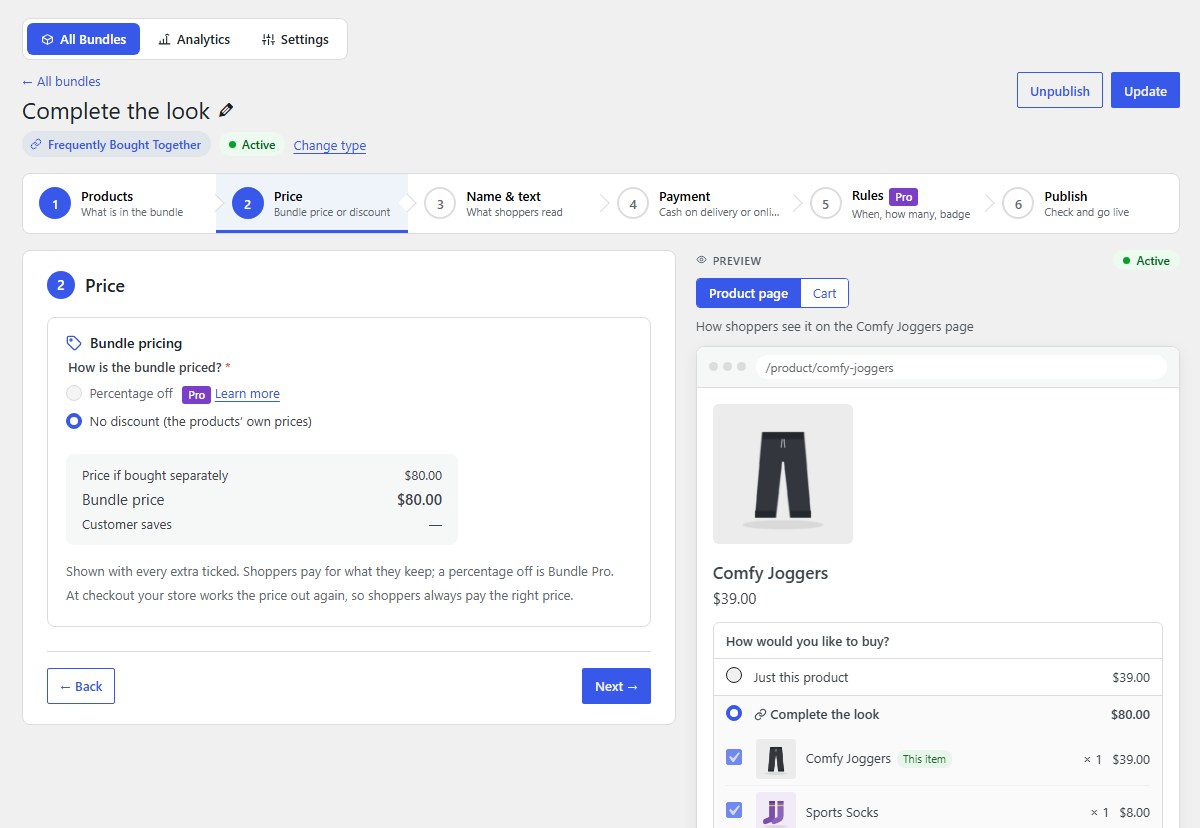
No discount (the products’ own prices)
Shoppers pay the products’ own prices; the bundle simply makes buying them together one click. This is how “frequently bought together” works in the free version.
-
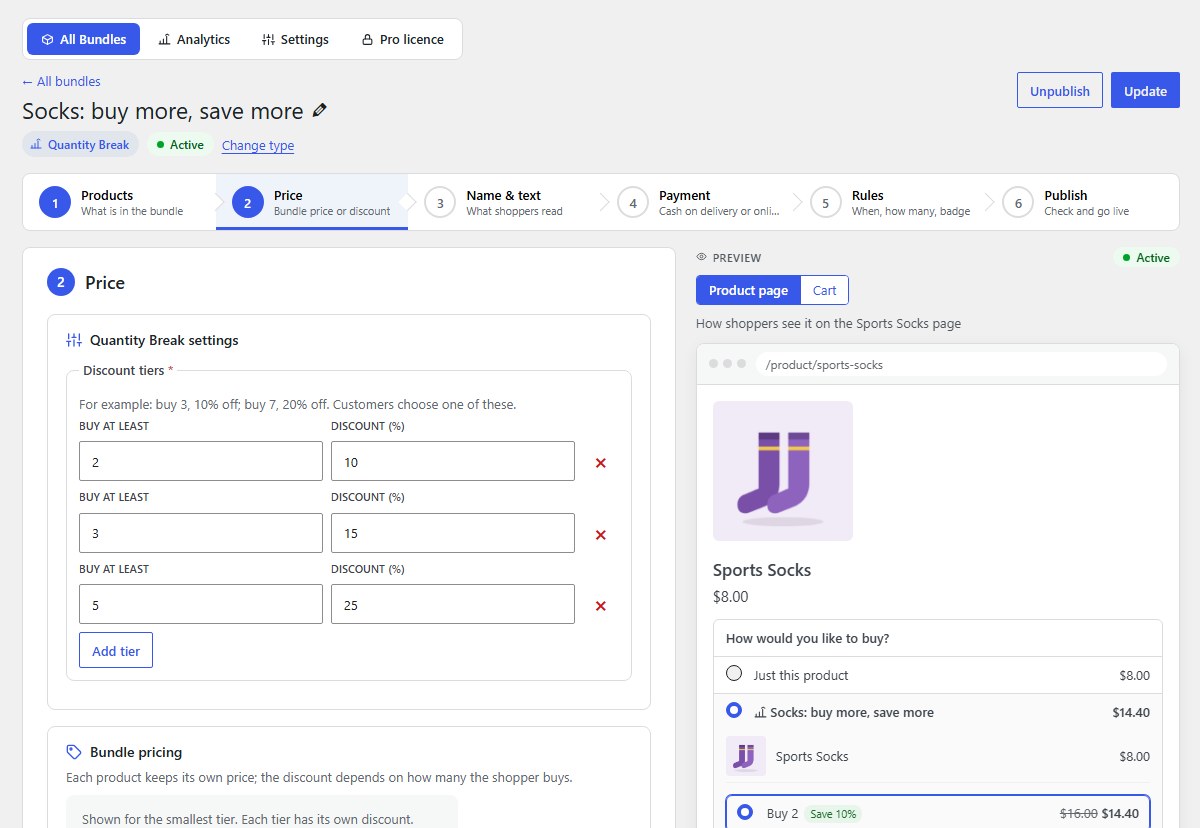
Tiers: more items, bigger discount Pro
Quantity breaks and volume discounts use Discount tiers: Buy at least a quantity, get a Discount (%). The highest tier reached applies.
-
The checkout always charges the right price
At checkout your shop works the price out again from the products in the cart, so shoppers always pay the right price, even if a product’s price changed after they added the bundle. Taxes, shipping and coupons work as usual.
Nanflows Bundles · Need help? support@nanflows.com