Help center › Your shop
Settings
Bundles → Settings: defaults for every bundle. Click Save settings at the top right after a change.
-
General
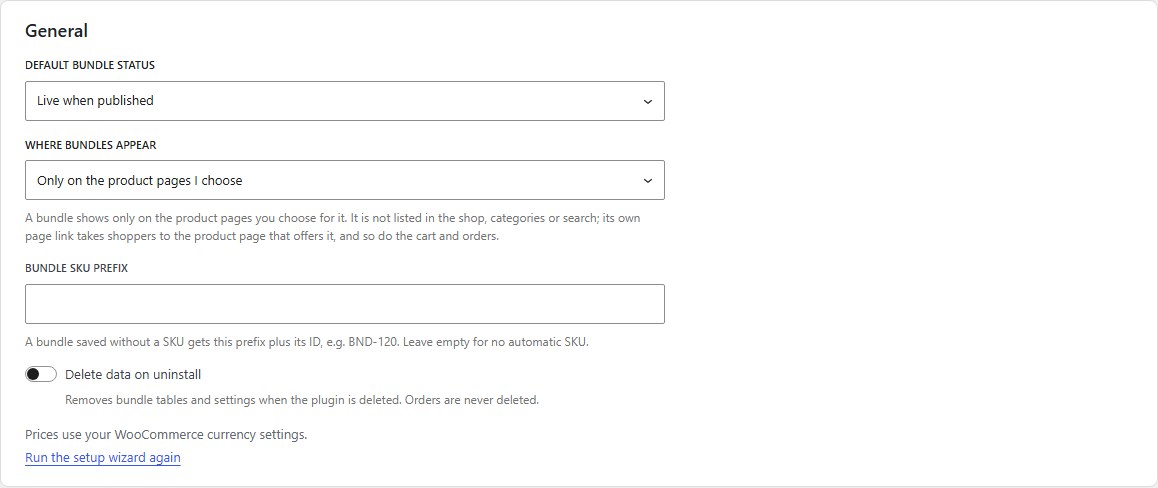
Default bundle status: new bundles are live when published, or drafts until you publish them. Where bundles appear: only on the product pages you choose, or also as their own product in the shop. Bundle SKU prefix. Delete data on uninstall removes bundle tables and settings when the plugin is deleted; orders are never deleted. Run the setup wizard again is here too.
-
Design
The icon style used in the Bundles screens and on the bundle boxes shoppers see: Line, Solid or WordPress Dashicons. Everything else follows your theme’s fonts and colours.

-
Cart
Products inside a bundle: show each product under the bundle, or show only the bundle and list its products. Either way they follow the bundle’s quantity and can’t be removed on their own.

-
Product Page
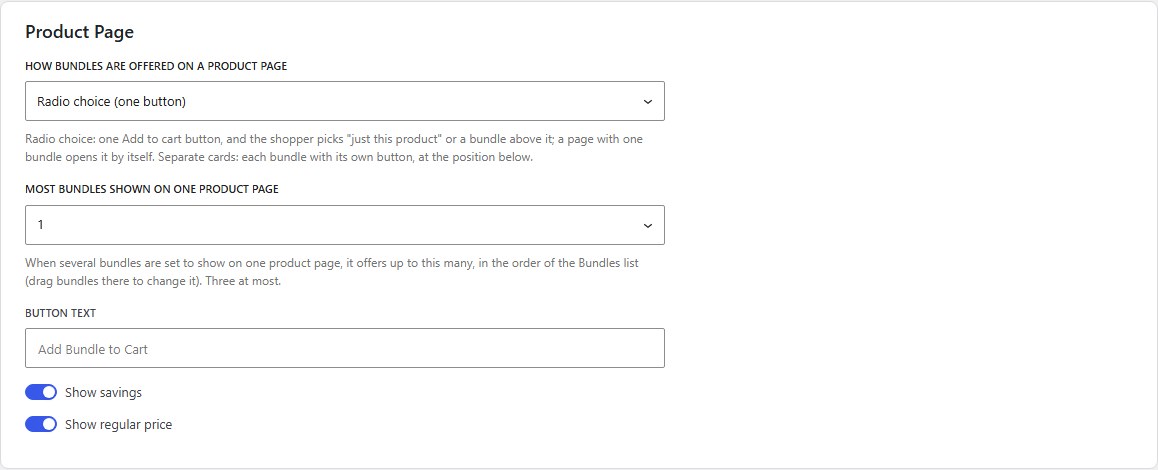
How bundles are offered: Radio choice (one Add to cart button, shoppers pick “just this product” or a bundle) or Separate cards (each bundle with its own button, at a position you choose: after or before the Add to cart button, after the summary, in a “Bundles” tab, or only through the block and shortcode). Most bundles shown on one product page (up to three). Button text, Show savings, Show regular price.
-
Checkout
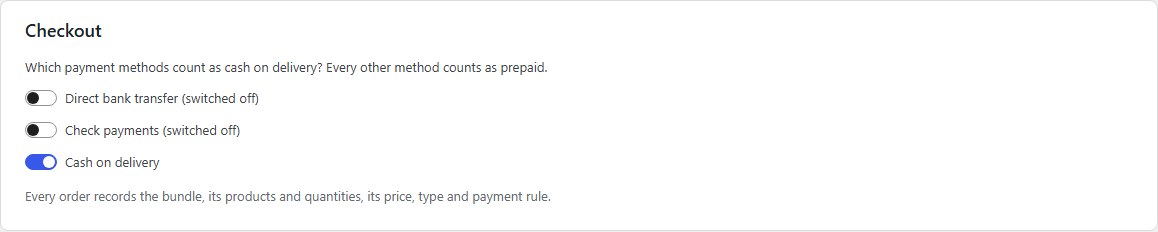
Which payment methods count as cash on delivery. Every other method counts as prepaid. Every order records the bundle, its products and quantities, its price, type and payment rule.
-
Inventory
When a bundle is out of stock: show it as out of stock, or hide it. A bundle has no stock of its own: it is sold while every product inside is in stock, follows their backorder settings, and each sale takes stock from them.

-
Analytics
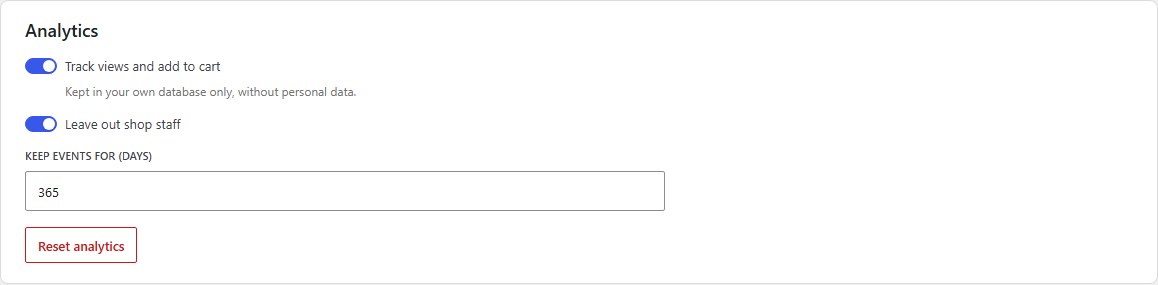
Track views and add to cart, Leave out shop staff, and Keep events for (days). Reset analytics deletes the bundle analytics; your orders are not affected.
Nanflows Bundles · Need help? support@nanflows.com